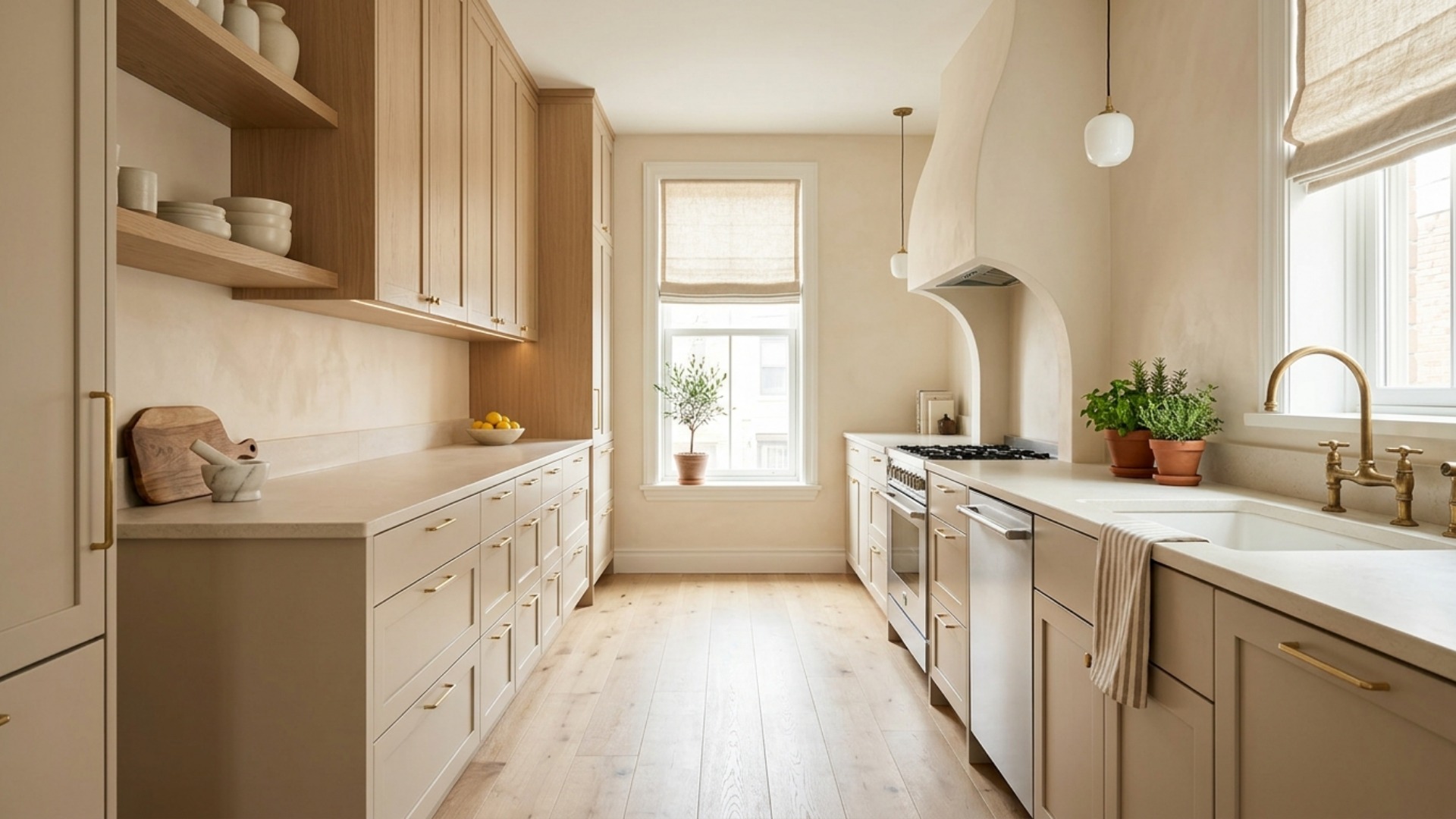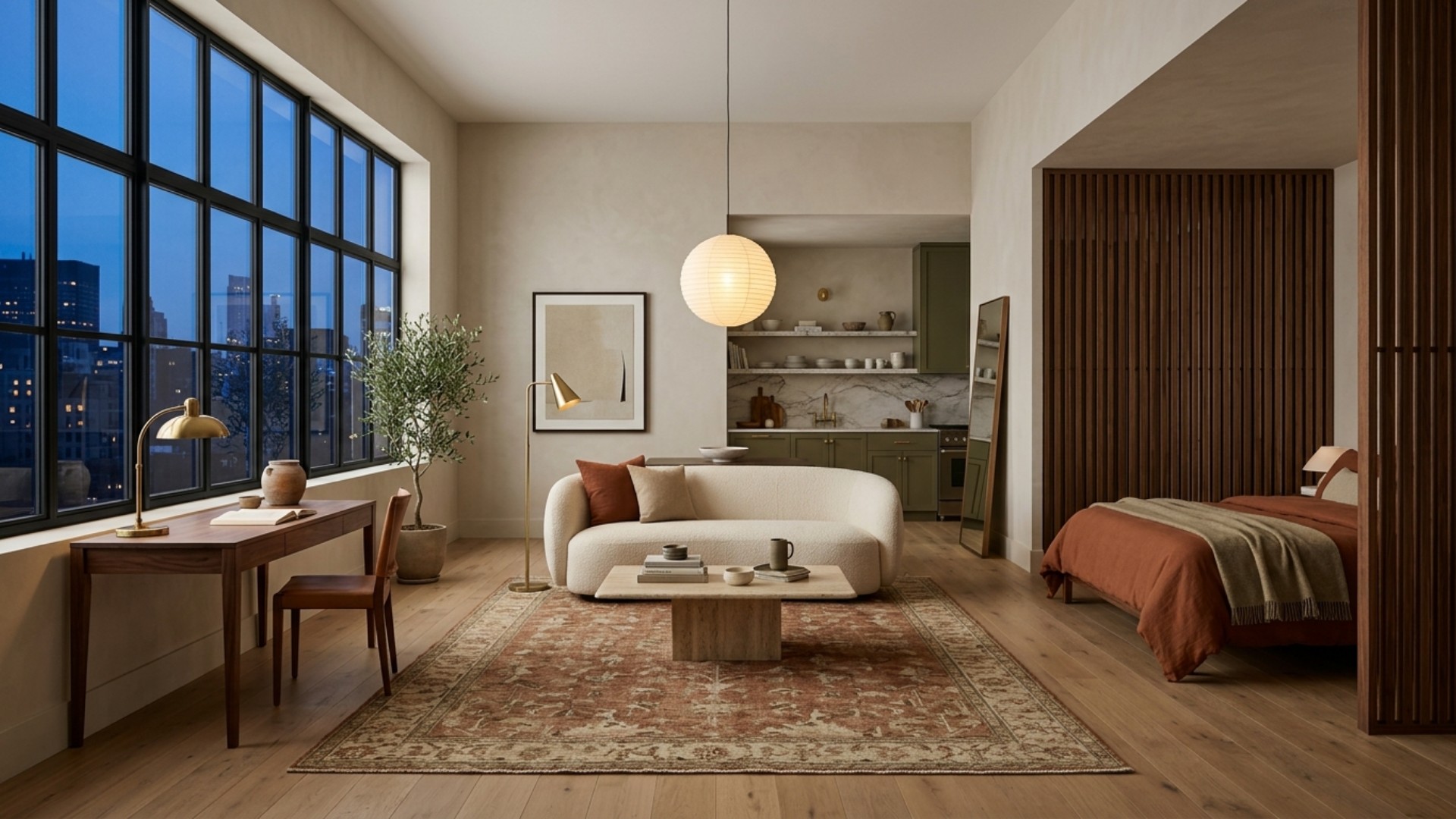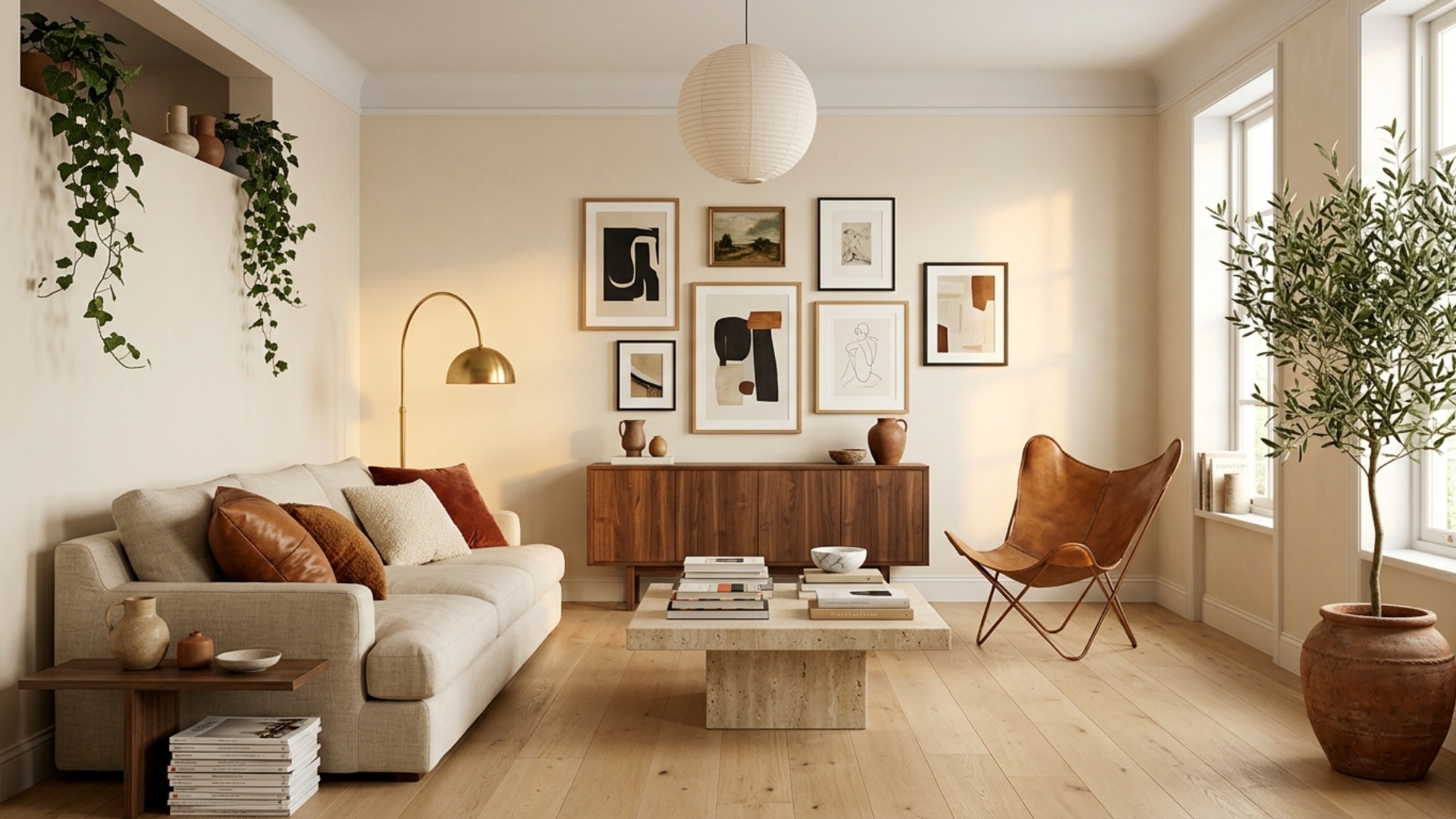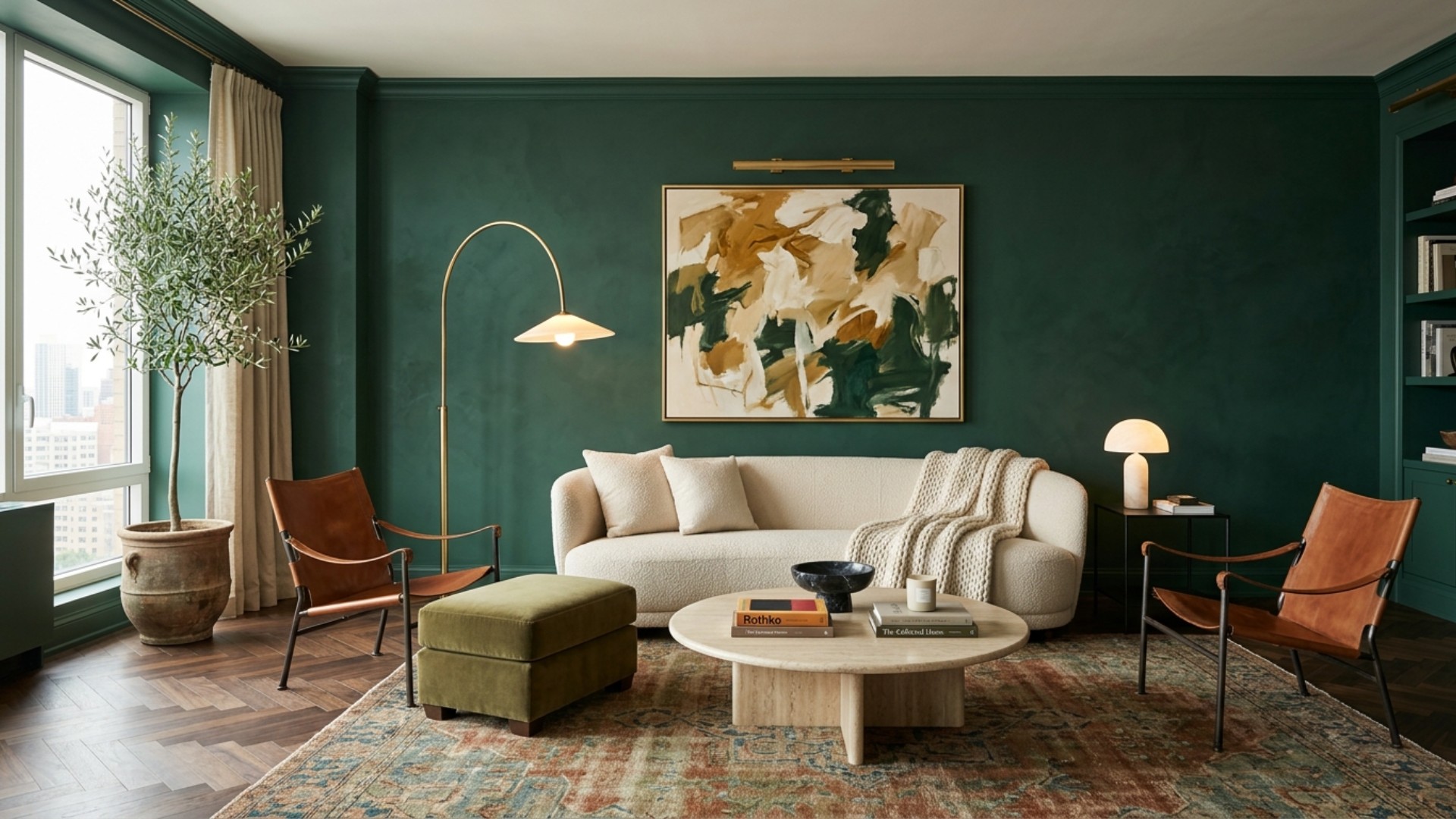
There are now more AI interior design apps than there are weekends to test them, and every single one claims to be the future of your living room. Helpful. Meanwhile, you just want the answer to one question: which app is right for me, specifically, a person with my skills, my budget, and my particular relationship with commitment?
So instead of another all-time top ten (we already wrote that one), consider this a matchmaking service. We sorted the best AI interior design apps into three camps: beginners who want an easy win, professionals who bill by the hour, and the hopelessly indecisive who need to see nineteen versions of a room before choosing. Find your camp, meet your match, and skip the twelve free trials. And stay for the end, because one tool quietly works for all three camps, and it hands you something none of the others do.
Best for Beginners: The Gentle On-Ramps
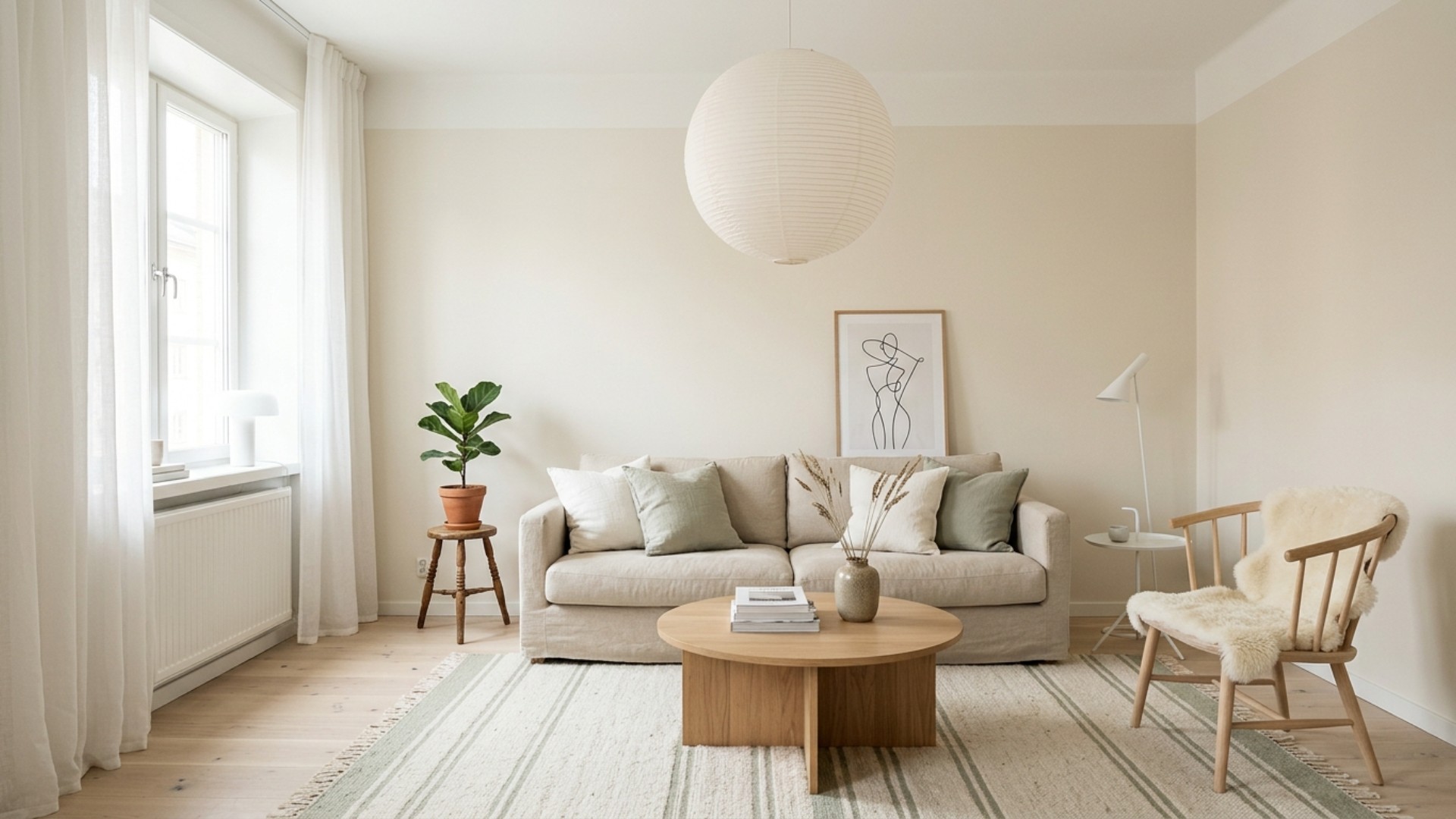
Planner 5D, the patient teacher. If you have never designed anything more ambitious than a birthday card, start here. Planner 5D lets you sketch a floor plan and furnish it in 2D or 3D with drag-and-drop ease, and its free plan is actually usable: unlimited projects and a healthy slice of the furniture catalog, no card required. Premium runs about $4.99 a month (or $59.99 a year) and unlocks the AI design generator, a catalog of more than 10,000 items, and renders up to 4K. It teaches you spatial thinking without ever raising its voice.
RoomGPT, the one-click wonder. The training wheels of AI decorating, in the best way. Upload a photo, pick a theme, and watch your room come back transformed. More than two million people have tried it, your first render is free, and paid plans start around $9. The honest caveat: it is inspiration, not instruction. You get a lovely picture of a room you do not yet know how to build.
Best for Pros: The Billable-Hour Savers
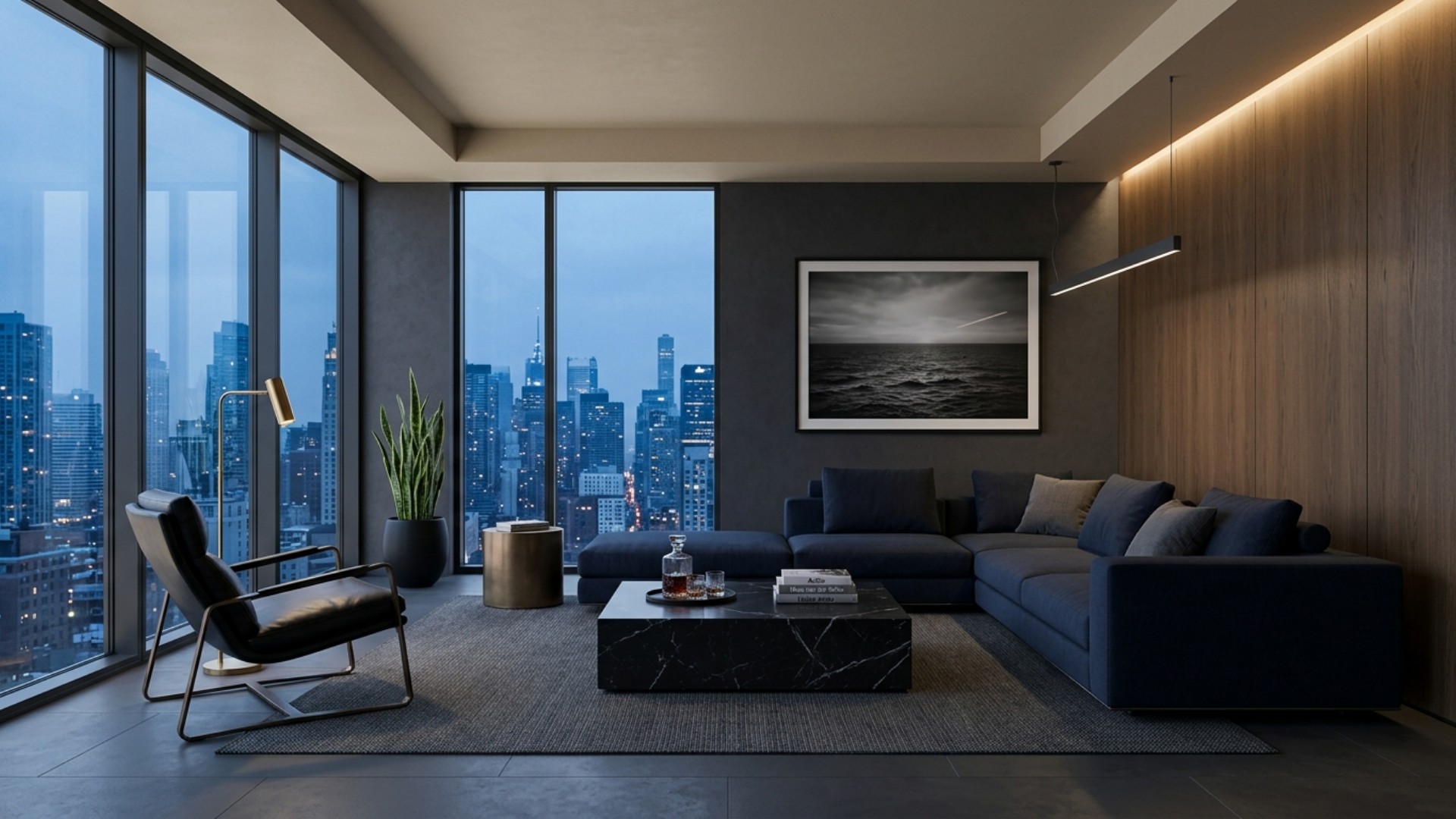
Spacely AI, the render rocket. When a client is waiting, speed is the whole product. Spacely turns sketches, models, or photos into presentation-grade renders, with a priority queue that returns results in under three minutes on paid tiers. Plans start at $15 a month, and the $45 Studio tier now includes 1,500 monthly credits, watermark-free output, high-resolution downloads, and a commercial license. For working designers and architects, that is a rounding error against one billable hour.
Collov AI, the staging sorcerer. Real estate professionals, lean in. Collov turns echoing empty listings into furnished, market-ready marvels from about 27 cents an image (60 images for $16), with subscriptions from $19 a month and unlimited regeneration on higher tiers. It is unapologetically transactional, which is exactly what you want when the open house is Saturday.
Best for the Hopelessly Indecisive: Blessed Are the Option-Hoarders
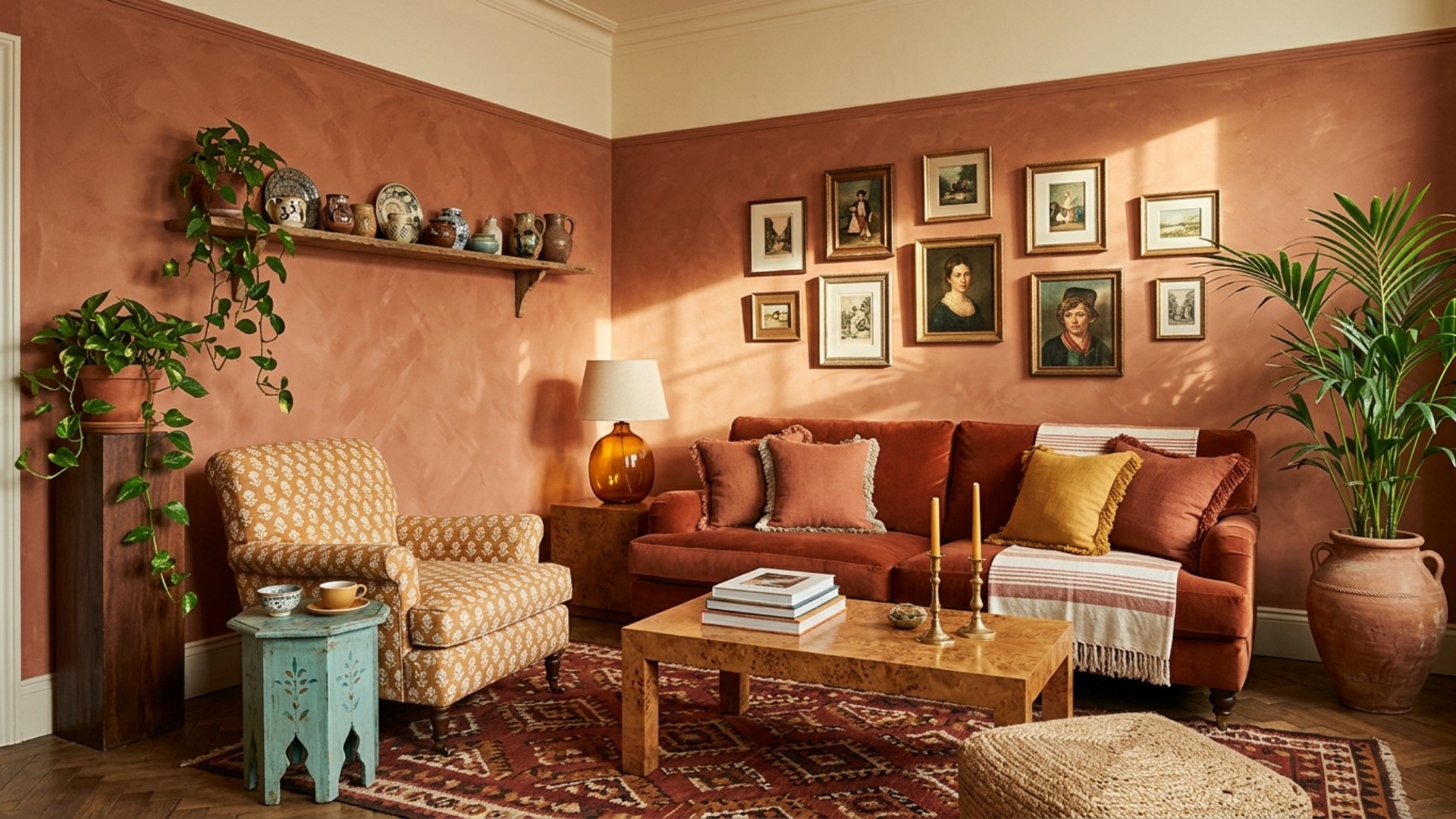
Interior AI, the infinite mood board. Built by indie legend Pieter Levels, Interior AI offers more than 55 design styles across 30-plus room types, which means you can render your bedroom as Japandi, then Art Deco, then something called Cyberpunk, all before midnight. Plans start around $49 a month billed yearly, with a Hyper Realism mode on higher tiers that makes the renders eerily convincing. It will not make the decision for you, but it will exhaust every alternative.
Havenly, the human tiebreaker. When you truly cannot choose, Havenly hands the decision to a person. Take a style quiz, get matched with a real designer, and receive a concept plus a shoppable list, with room packages typically running $129 to $499 and in-person service from $699. The trade: you wait days instead of minutes, and you spend the price of a year of app subscriptions on a single room. Sometimes therapy is worth it.
Best Overall: Framehouse, the App That Ends the Search
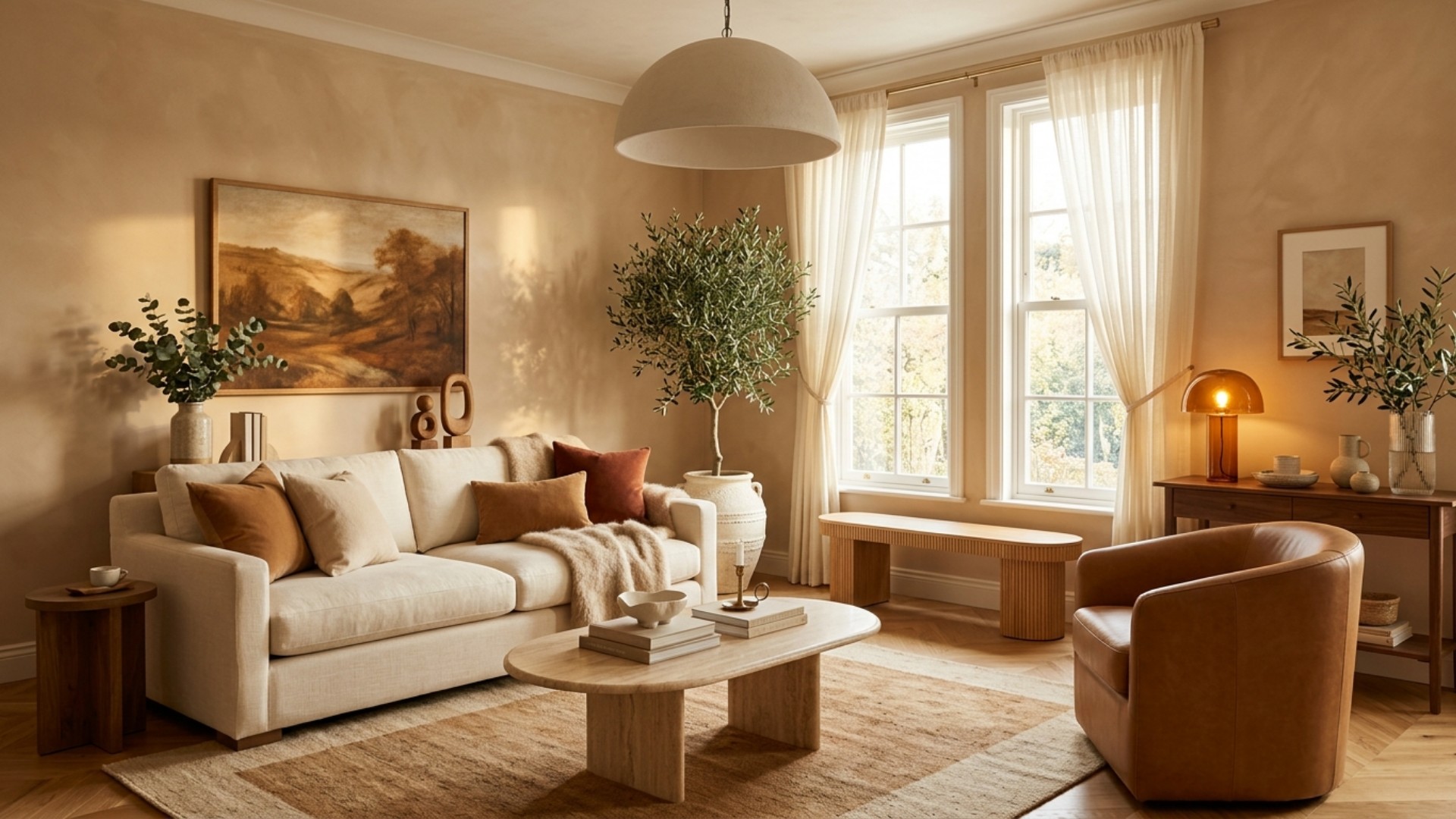
And here is the twist ending: the app that fits all three camps. Framehouse asks beginners for nothing but a photo. Upload your room, and its AI (the kind with impeccable taste) returns it reimagined in minutes. The indecisive get to compare whole design directions instead of doomscrolling styles. And everyone gets the thing no pretty picture ever includes: the plan.
That is the differentiator. Every other app on this list shows you a prettier room and wishes you luck. Framehouse hands you the complete design playbook, everything you need to actually make the room real, on your terms, with no designer appointment required. It is rated 5.0 and 4.4 by its users, trusted by top designers, has transformed thousands of rooms, and your photos stay private. Starting is free, and paid plans begin at just $29, undercutting most of the apps on this list.
Upload a photo and meet your room's next life, free to start.