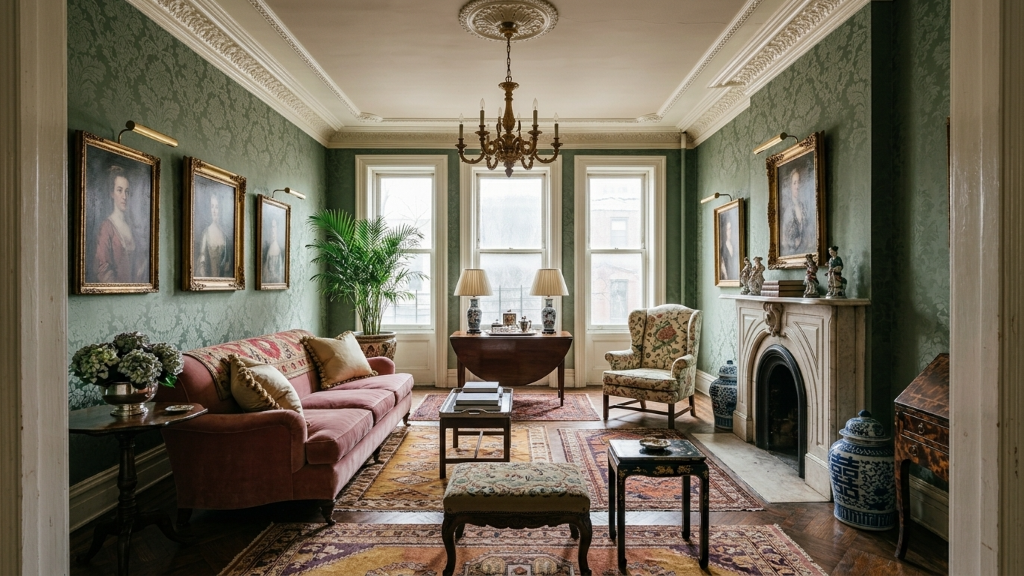
 Generated with Framehouse
The Comparison, 2026 Edition
Framehouse
vs Canva
One is a design tool with a room feature bolted on. The other was built for exactly this.
No credits to buy on top of a subscription. No mood board that stops short of a plan. Just your room, redesigned, with everything you need to make it real.
Photos of your home stay private
Canva added an AI Interior Styler to its design platform: upload a photo, pick from a style library, and get a restyled version of your room. It's a real feature, and if you already live in Canva for mood boards or social graphics, it's convenient to have in the same place. But it was built as an add-on to a general design tool, not as the product itself, and the results show it: most reviewers describe the output as good for inspiration and mood boards, not photorealistic enough to treat as a finished room.
Framehouse was built from the ground up to do one thing: take a photo of your actual room and turn it into a curated, photoreal redesign, with a full Design Playbook attached. There's no separate credit purchase required on top of a subscription, and no mood board that stops short of an actual plan.
One is a feature inside a much bigger tool. The other is the whole product.
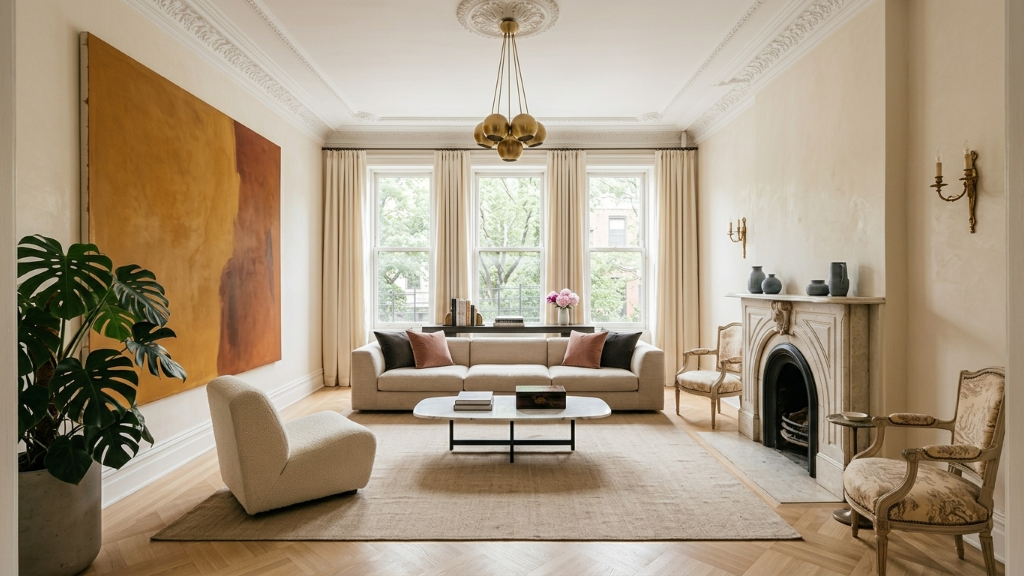
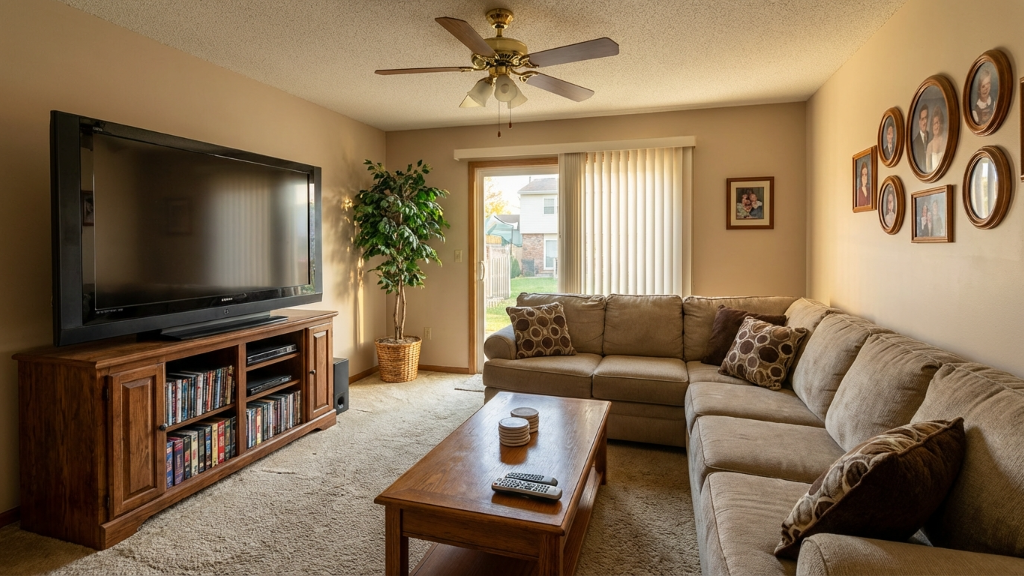 Before
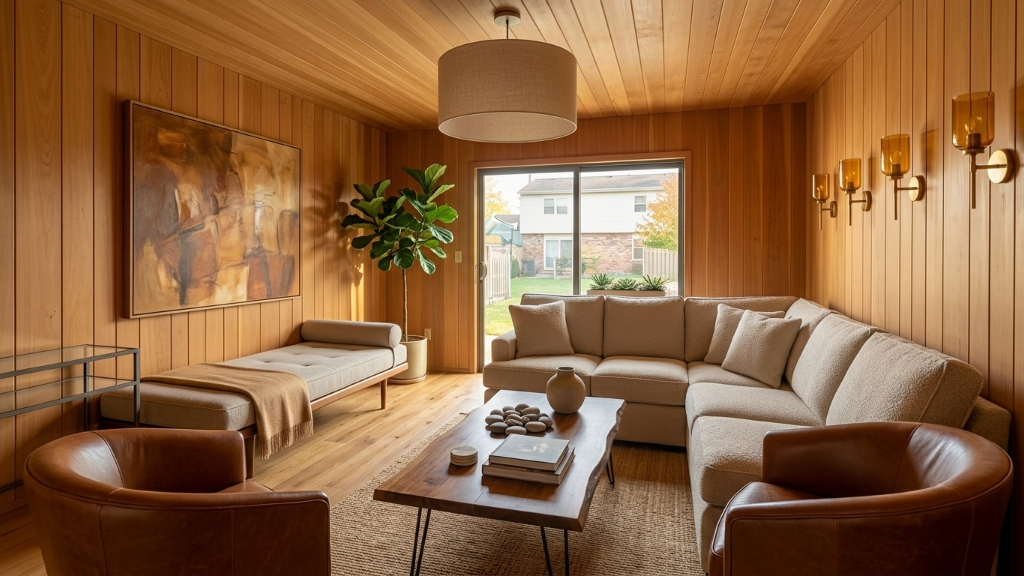 Generated with FramehouseAfter
Canva's strength is breadth: if you're already building a mood board, a presentation, or a listing flyer, having a room restyle feature in the same app is genuinely convenient. But that breadth comes at the cost of depth. The AI Interior Styler sits alongside hundreds of other Canva tools, and by most independent accounts, the room results read as a quick style pass rather than a polished, livable redesign.
Framehouse has no other job. Every part of the product, the AI model, the curation, the Design Playbook, exists to take your room from a photo to a real plan you can shop and build.
Photoreal, not a mood board pass.
Every Framehouse room is built around your actual walls, windows, and light, with results meant to look like a finished room, not a styled sketch.
Designer-level taste. Your final call.
Every transformation is crafted with the same eye a professional designer brings to a $50K remodel. Framehouse gives you that caliber of vision for every room in your home.
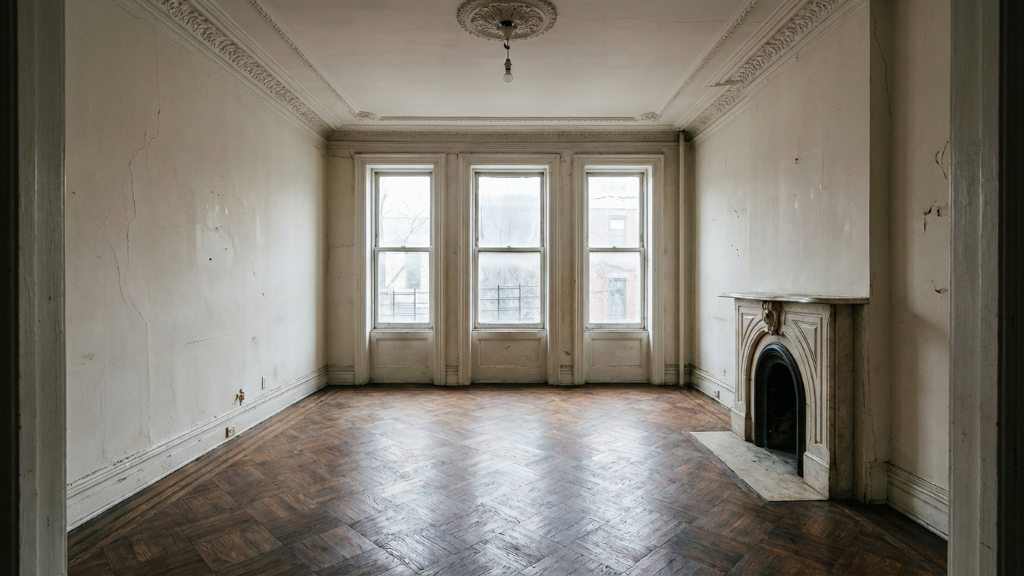
Brownstone Revival
Living Room
Thousands of designs and counting
Every transformation is crafted with the same eye a professional designer brings to a real project. Framehouse gives you that caliber of vision, because that's the entire product, not one tool among hundreds.
How Canva's AI Interior Styler actually works
Canva's AI Interior Styler is an app inside the broader Canva platform. You upload a photo of an empty or furnished room, choose from more than 30 design styles, and the tool generates a restyled version, either through virtual staging, which adds furniture to an empty space, or a full redesign of a furnished one. It runs on Canva's credit system: even if you have a paid Canva subscription, generating interior designs requires purchasing credits separately, and Canva also sells an AI Pass add-on for higher-volume AI use across the platform.
By most independent reviews, the results are fast and easy to generate, but not photorealistic. The tool is generally recommended for early-stage inspiration, internal brainstorming, or a quick "potential look" visual, rather than a finished, presentation-ready room. There's no shopping list, no budget, no swatches, and no plan; once you have the image, Canva's job is done, and whatever you build from there is up to you, using Canva's broader (non-interior-specific) design tools.
Where Canva actually makes sense
To Canva's credit, if you're already deep in their ecosystem, building a real estate listing flyer, a renovation pitch deck, or a social post, having a quick room restyle available in the same tab is genuinely useful. It's fast, it's broad (30-plus styles), and it doesn't require learning a new platform if Canva is already part of your workflow.
Where it falls short is the moment you need the result to actually hold up: as a believable redesign, a usable plan, or anything beyond a quick visual aid. Canva built a feature. Framehouse built a product around exactly this problem.
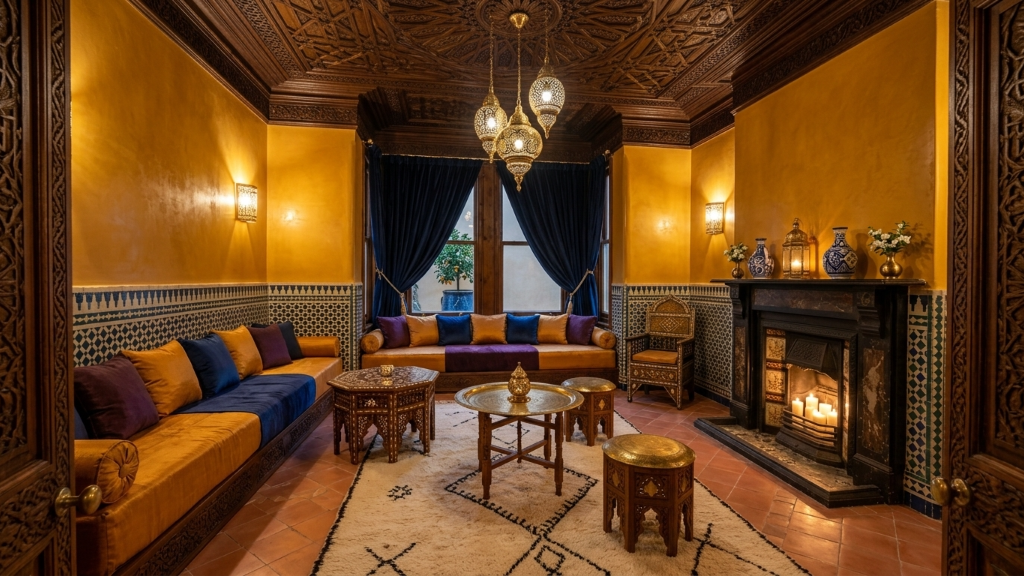
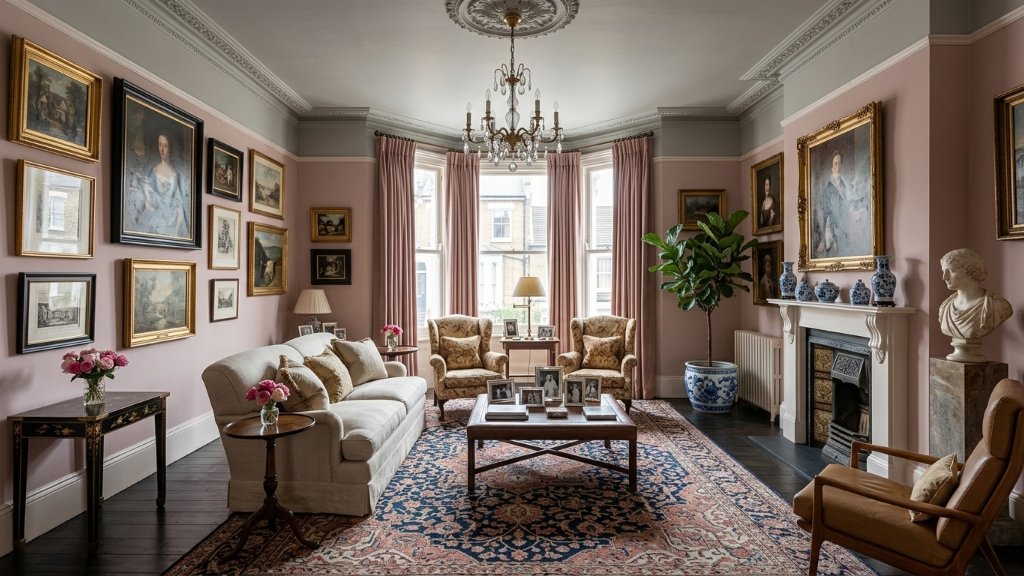 Generated with Framehouse
A feature is convenient. A product is what changes the room.
A real redesign. Not a mood board pass.
| Feature | Framehouse | Canva AI Interior Styler |
|---|---|---|
| Built for | Interior redesign, exclusively | One feature inside a general design platform |
| Output quality | Photoreal, curated redesign | Stylized, often not photorealistic per reviewers |
| Built around your actual room | Yes, reads your walls, light, layout | Style applied generally across styles library |
| Design Playbook included | Yes, every design | |
| Shopping list | Yes, included | |
| Cost structure | One price, included in your plan | Requires separate credits, even with a Canva subscription |
| Human designer review | Guidance built into every Playbook | Not offered |
| Best for | A finished room you can build | Quick mood boards and internal brainstorming |
Where each one actually wins
Neither tool is wrong for what it's built to do. The question is whether you want a quick visual aid inside a tool you already use, or a finished, buildable redesign. Here's where each one actually delivers:
Framehouse wins on
- Realism. Every redesign is built to look like a finished room, not a styled sketch.
- The full plan. A Design Playbook with shopping list, swatches, and budget, included.
- Simpler pricing. One price, no separate credits required on top of a subscription.
- Purpose-built focus. Interior redesign is the entire product, not one feature among many.
Canva wins on
- Convenience if you already live in Canva for other design work.
- Breadth, with mood boards, presentations, and social graphics in the same platform.
- A wide style library (30-plus styles) to flip through quickly.
- Good early-stage brainstorming and internal concept visuals.
Three reasons folks move from Canva to Framehouse
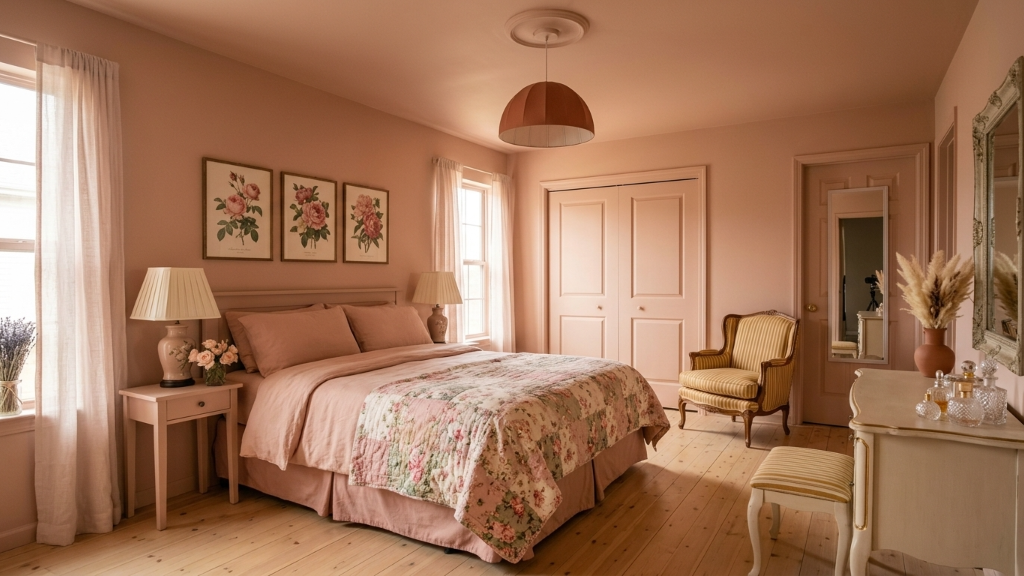
A feature vs. the whole product.
Built for exactly this, not bolted on.
Canva's room styler is one app among hundreds inside a general design platform. Framehouse exists for exactly one job: turning your room into a redesign you can actually build.
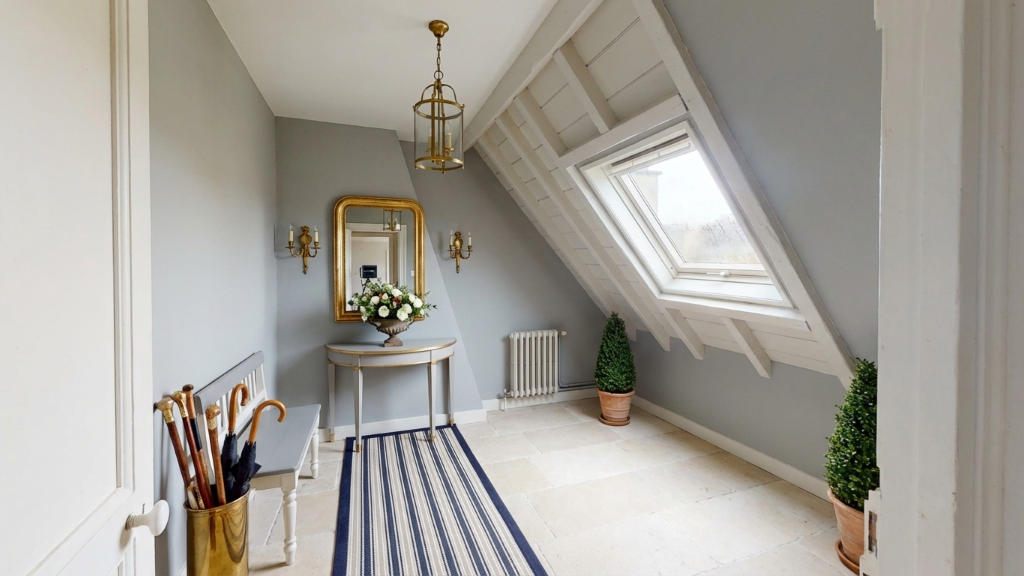
A mood board isn't a finished room.
Photoreal, not stylized.
Canva's results are widely described as good for inspiration, not photorealistic. Framehouse is built to deliver a result that looks like a real, finished space.
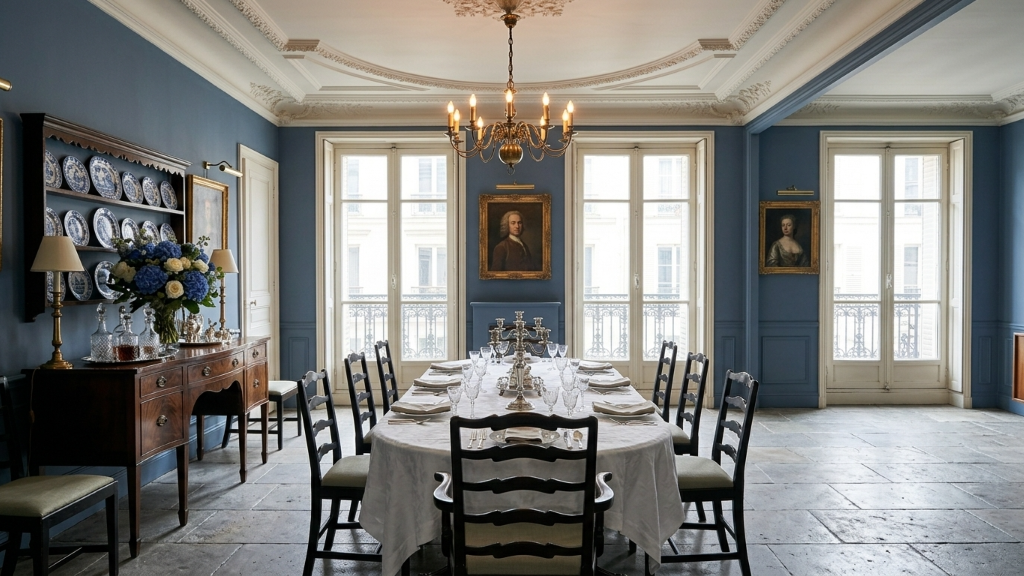
A picture isn't a plan.
Steps to act on, not just an image.
Canva gives you a styled image and stops. Framehouse gives you the redesign plus a shopping list, swatches, and a budget, the actual steps to make the room real.
Not a feature buried in a toolbar. The whole point of the product.
How It Works
From uncertainty → confidence → plan
Discover your Design Aura
Tell us what you're drawn to, what you want to keep, your constraints, and how you want the space to feel. (Like a real designer would ask.)
See a few clear directions
We generate 3 realistic design directions for your room — so you can compare instead of guessing.
Explore until one feels right
Generate more options if you want. Most people see patterns after a few and start feeling confident.
Lock it in with a plan
Once you choose, we turn it into a clear, step-by-step plan with tasks, DIY guidance, and shopping aligned to your budget.
Stay organized
Track progress, revisit designs, and move forward without second-guessing.
Discover your Design Aura
Tell us what you're drawn to, what you want to keep, your constraints, and how you want the space to feel. (Like a real designer would ask.)
See a few clear directions
We generate 3 realistic design directions for your room — so you can compare instead of guessing.
Explore until one feels right
Generate more options if you want. Most people see patterns after a few and start feeling confident.
Lock it in with a plan
Once you choose, we turn it into a clear, step-by-step plan with tasks, DIY guidance, and shopping aligned to your budget.
Stay organized
Track progress, revisit designs, and move forward without second-guessing.
One price. No separate credits to buy on top.
Cheaper than one wrong paint color.
Try everything free for 3 days. Then pick what works for you.
Weekly
3 days freeFull access with the flexibility to cancel anytime.
- Unlimited designs for every space
- The full Playbook for each design: plans, products, budget, and pros
- Save, compare, and share ideas with anyone
Yearly
Save 87% vs weeklyThe same full access at our best price.
- Unlimited designs for every space
- The full Playbook for each design: plans, products, budget, and pros
- Save, compare, and share ideas with anyone
Subscription begins after the free trial. Cancel anytime.
Framehouse vs Canva, answered
 Generated with Framehouse
 Generated with Framehouse