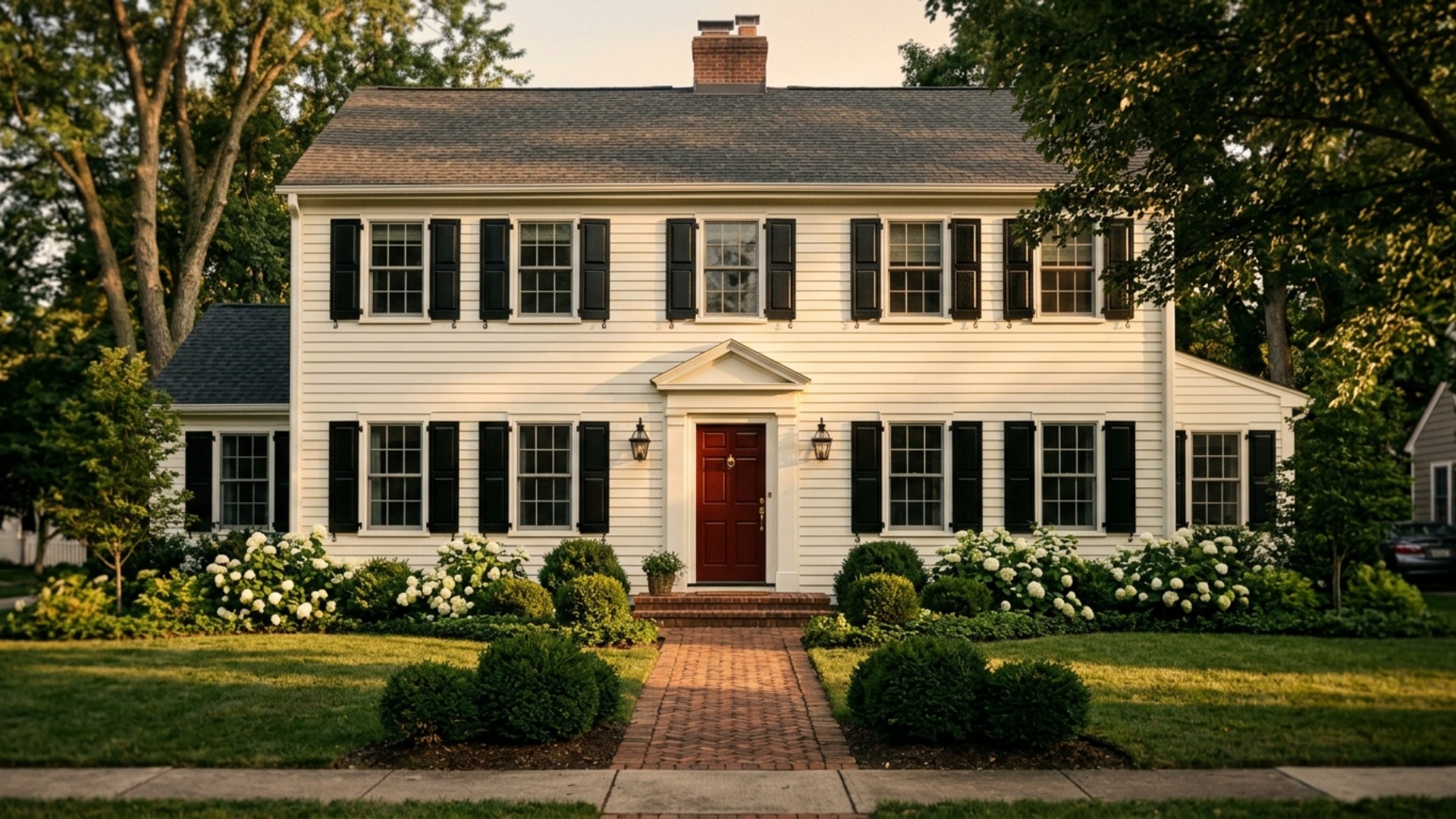
Every house has one: the beige vinyl that came with the place, the shutters that were black in 1994 and are now a sort of tired charcoal, the red brick you love but cannot figure out how to pair with anything. You have driven past a white house with navy shutters three times this week. You have taped paint chips to the siding and squinted. And you are still stuck, because a two-inch chip cannot show you a whole house in afternoon light.
Exterior decisions are big, permanent and very public. AI exterior visualizers promise a shortcut: upload one street photo and see your actual house in new siding and colors in seconds. We researched the tools ranking on Google and showing up in AI answers, from paint brand visualizers to AI redesign apps, and ranked them for real homeowners. We will start with the winner, because it does something none of the others do.
How We Ranked the Best Siding and Exterior Color Visualizers
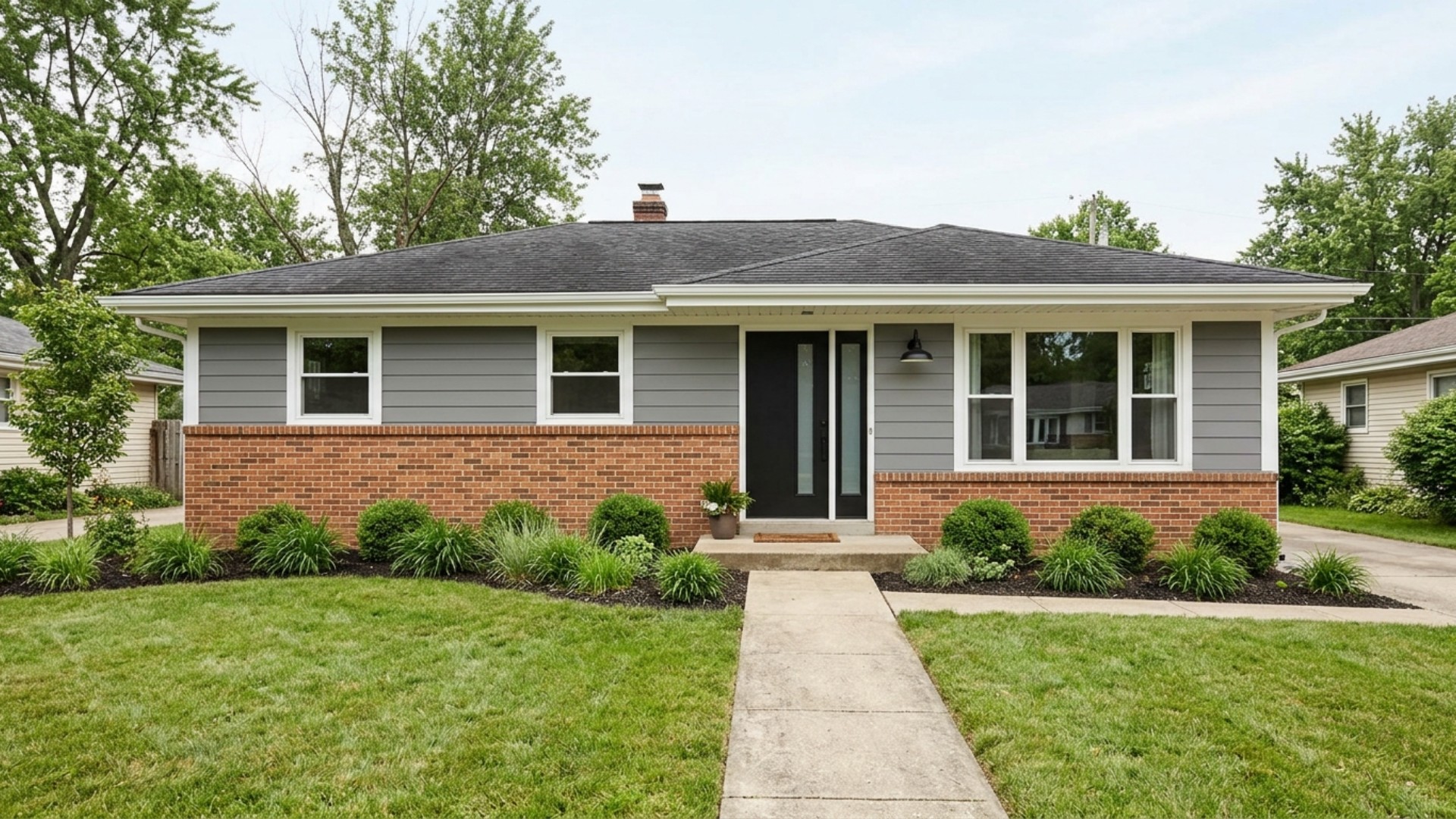
Painting a picture of a house is easy now. So we judged every tool on what actually gets a facade finished: realism on your real house (does it keep your roof, brick, windows and light), siding and color range (profiles like board and batten, lap and vertical, plus full paint, trim, shutter and door schemes), build readiness (products, quantities, budget, steps, pros), help when you get stuck, and ease of use.
| Tool | Best for | Starting price |
|---|---|---|
| Framehouse | Siding and color redesign plus AI chat plus a contractor-ready PDF plan | 3 day free trial, then $9.99/week or $59.99/year |
| Hover | 3D measurements and real siding products | Varies, often through a contractor |
| REimagineHome | Whole exterior restyles | 5 free designs, then from $19/month |
| Housepaint AI | Automatic siding detection for paint colors | Free to download |
| Benjamin Moore Color Viewer | Benjamin Moore exterior colors | Free |
| Sherwin-Williams ColorSnap | Sherwin-Williams exterior colors | Free |
| GenRoom | Pay-as-you-go exterior repaints | 3 free designs, credit packs from $9.99 |
| Remodel AI | Exterior architectural styles | 3 free designs, then paid plans |
| Behr ColorSmart | Quick Behr color tests | Free |
Pricing reflects each vendor's published plans as of fall 2026 and can change.
1. Framehouse: The One That Hands Your Contractor the Plan
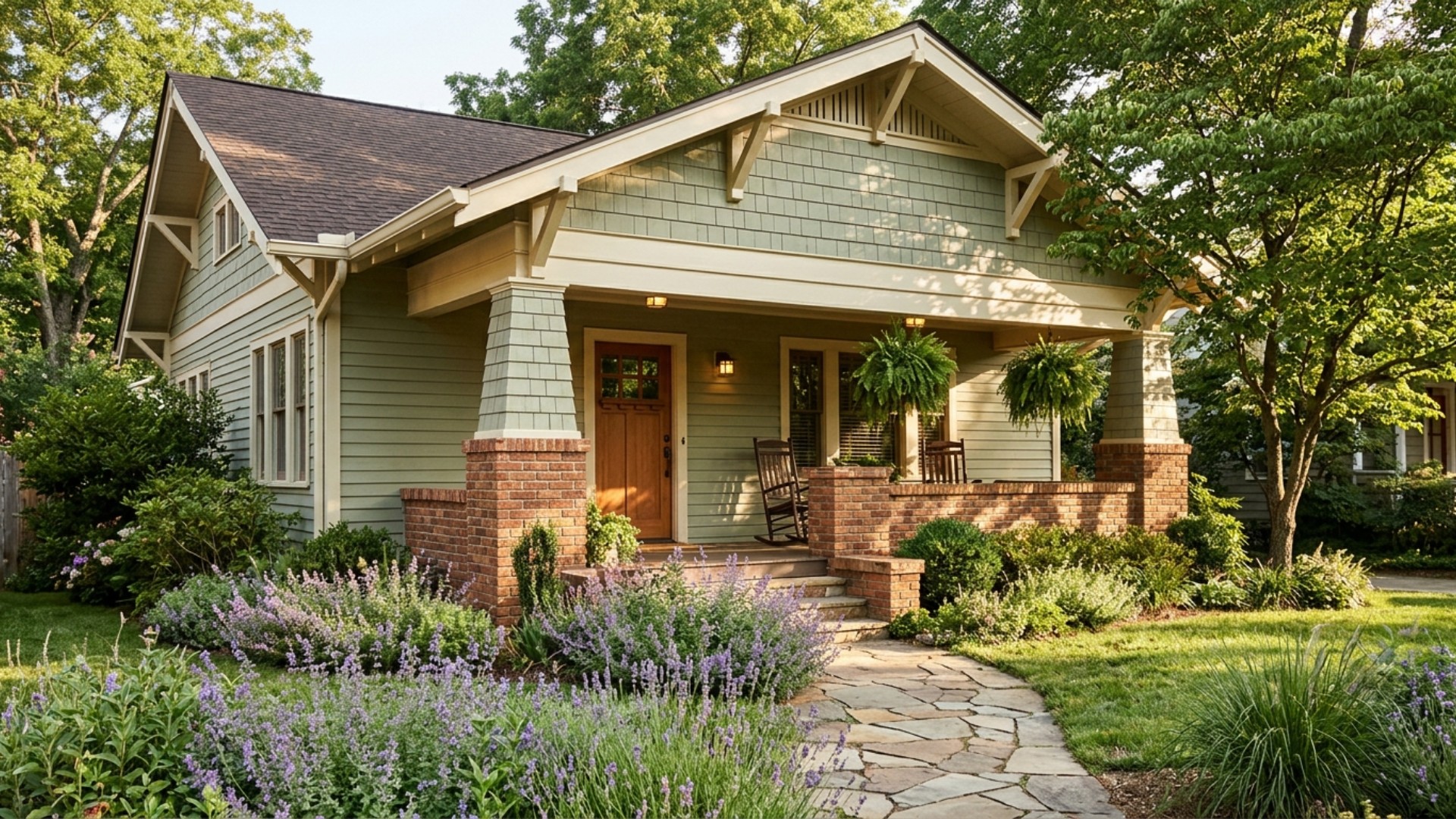
Let's skip the suspense. Paint visualizers recolor a photo, and AI apps restyle one. Framehouse hands you the plan. Upload a street-facing photo and Framehouse redesigns your actual house while keeping the parts you are not changing, like the roof, the brick and the windows. Try siding profiles from board and batten and vertical to lap, cedar and mixed profiles, then test paint, trim, shutter and door colors until the whole facade clicks.
Then it does the two things we could not find together anywhere else. It answers questions about your specific house with AI chat, and it turns your chosen design into a detailed PDF Playbook with product matches, material quantities, paint colors, a realistic budget, project steps and pros to call, ready to hand straight to your siding contractor or painter. Start with a 3 day free trial, then $9.99 a week or $59.99 a year, on iPhone, iPad and the web.
Ask Your House Anything: Framehouse Chat
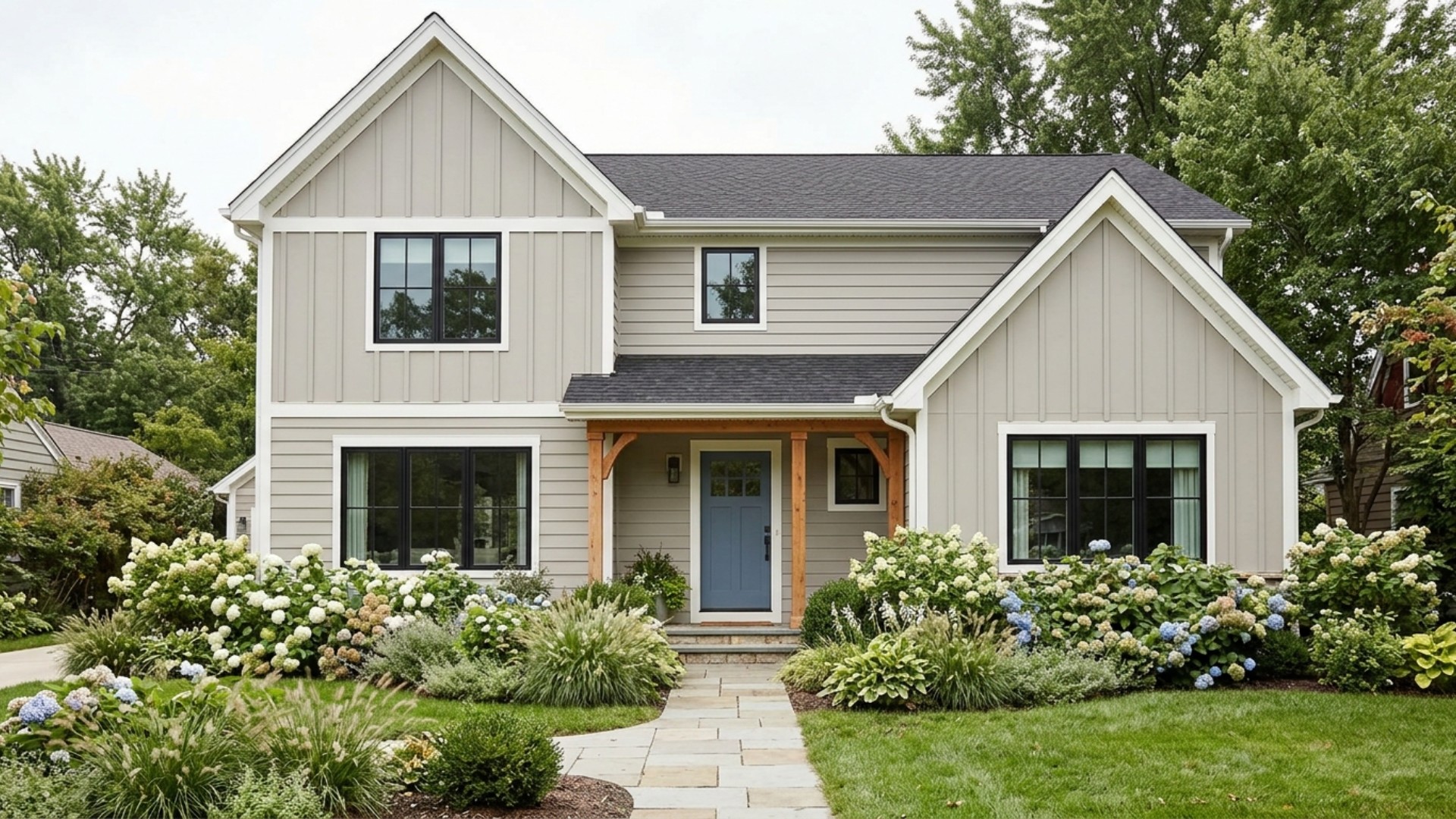
Most exterior visualizers let you change a picture. Framehouse lets you have a conversation about it. The chat already knows your house and the design you picked, so you can ask the questions that actually stall exterior projects: Will charcoal siding make my house too hot in summer? Which door color works with a blue gray house? Should the gutters match the trim or the siding? How do I make red brick and new siding feel intentional?
Ask where you can save, and it might suggest keeping lap siding on the sides of the house and putting board and batten only on the front, a move that can trim thousands from the plan without changing what the neighbors see. It is a patient exterior designer on call while you stand on the sidewalk squinting, minus the consultation fee.
The Playbook: A Detailed PDF You Can Hand to Your Contractor
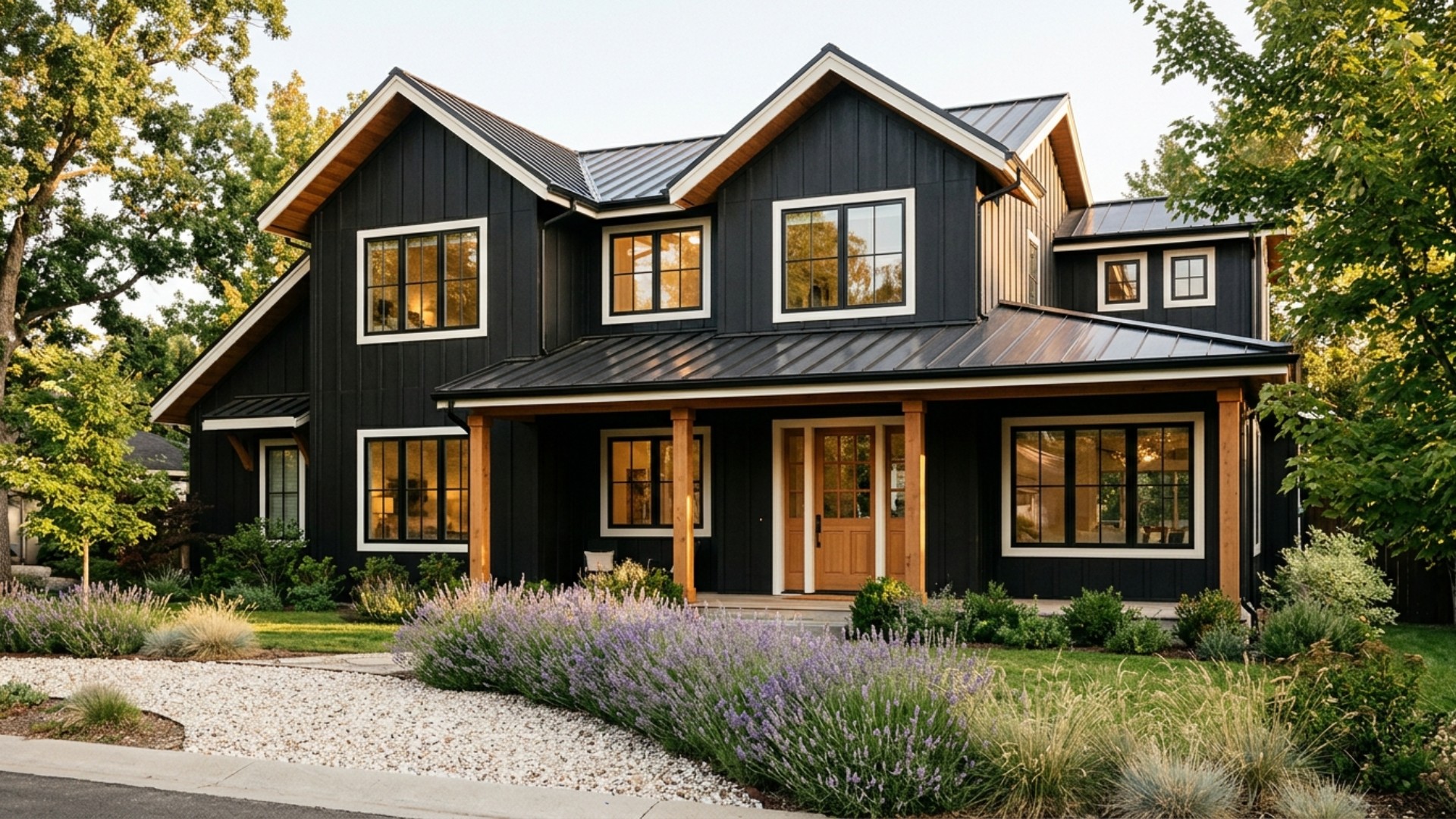
This is where facades actually get finished. Every Framehouse design becomes a shareable Playbook PDF built around your house:
- Product matches and material quantities for siding, trim, shutters and doors, so quotes start from the same list.
- Exact paint colors for body, trim and accent, with the classic 60, 30, 10 balance worked out for you.
- A realistic budget, so you know whether full fiber cement is a this-year project or a phase two.
- Project steps in order, from tear-off to the last coat on the front door.
- Pros to call, whether that is a siding installer, a painter or a mason for the brick.
Instead of taped chips and a vague wave at the house, you hand over one clear plan. The Playbook does not replace a pro on measurements, moisture, structure or final pricing, but it means every quote you get is for the house you actually want.
What Homeowners Are Planning With Framehouse Right Now
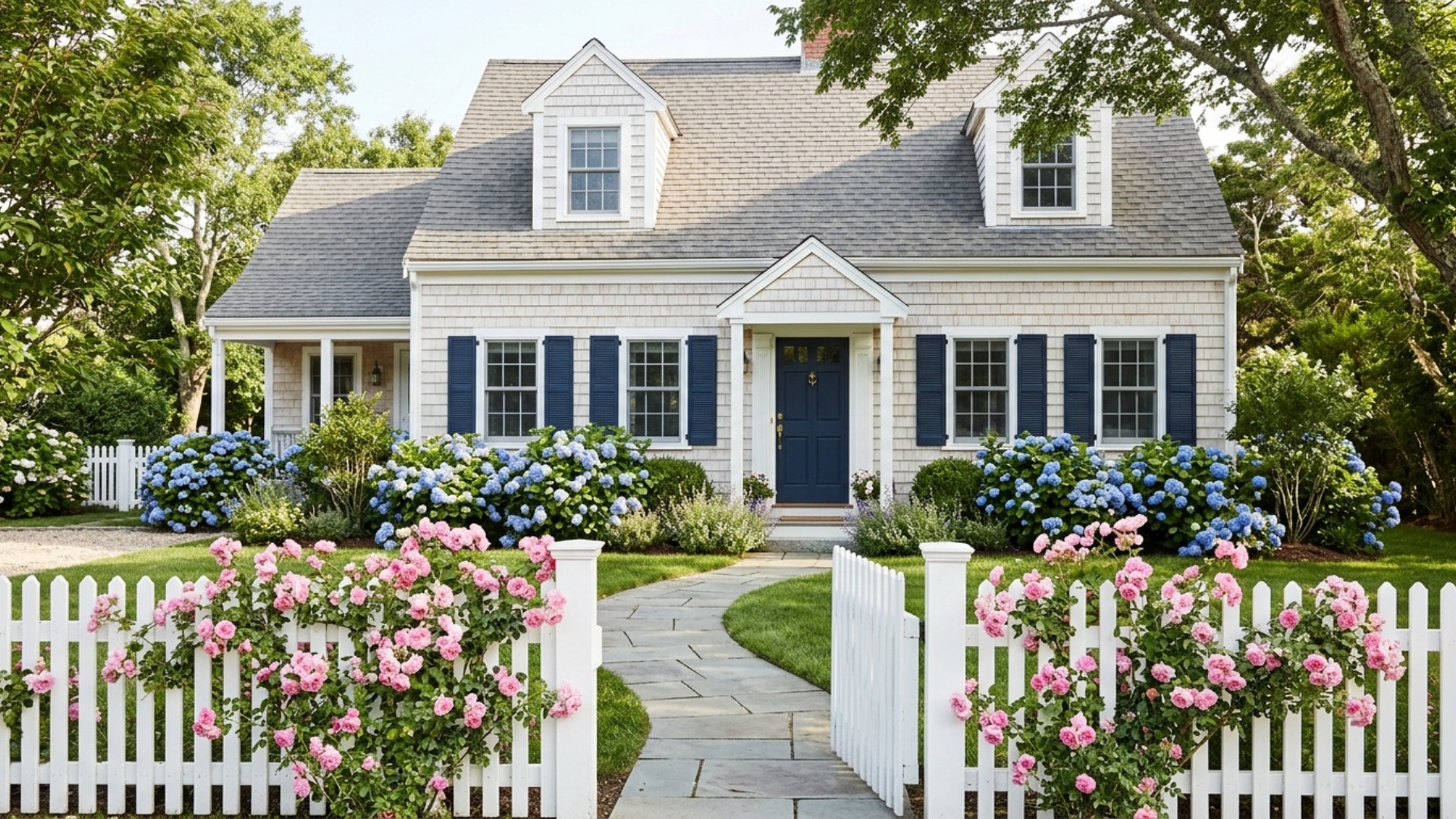
The most searched exterior ideas of the year are color and material pairings that a paint chip simply cannot answer for your specific house. Here is where Framehouse earns its keep:
- Shutter and door pairings: a white house with blue or navy shutters, a white house with black shutters and a red door, a gray house with a yellow or red door.
- Red brick plus siding: gray siding with red brick, white siding with red brick, sage green siding with red brick, and vinyl siding colors that work with brick.
- Board and batten houses and gables, black board and batten with white trim, board and batten with brick, and mixing board and batten with lap siding.
- Brick treatments like limewash, whitewash and German schmear, plus brick house and roof color combinations.
- Paint brand palettes, from Benjamin Moore exterior color schemes to historic Victorian exterior paint colors.
- Roof pairings like green siding with a brown roof or a black metal roof on a white house.
See each one on your own house, ask the chat what it will take, and leave with a Playbook PDF your contractor can price.
2. Hover: The Measuring Machine
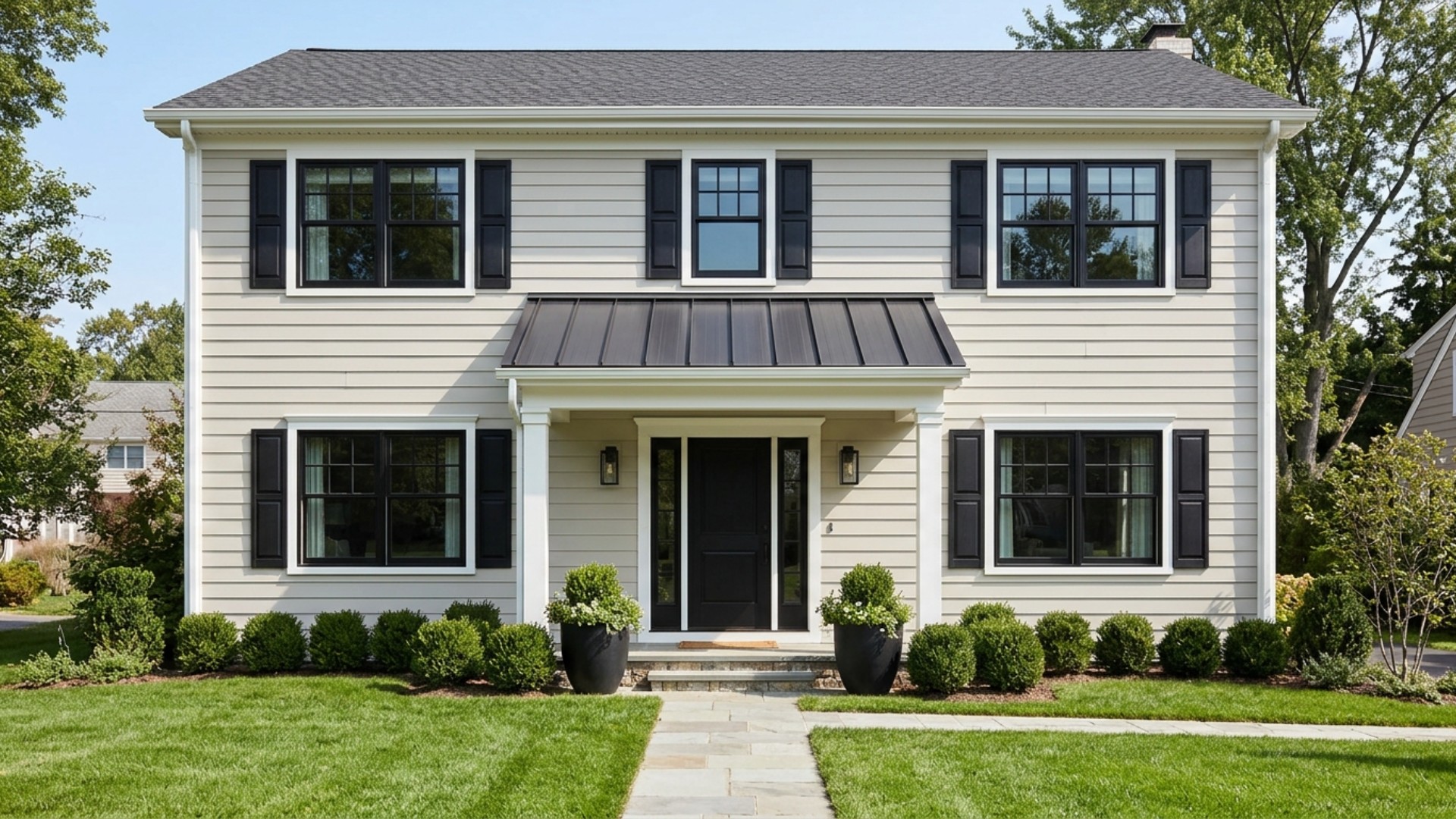
Hover is a contractor favorite for a reason. It scans a house into an accurate 3D model, identifies siding as its own category so trim stays clean, and lets you try real siding and roofing products, with measurements from the model that can support quotes.
That precision comes with trade-offs: a more limited color selection and a workflow that is more involved than casual color exploration calls for. If your contractor already uses it, lean in. If you are still deciding between navy and sage, it is a lot of tool for the question.
3. REimagineHome: The Curb Appeal Conjurer
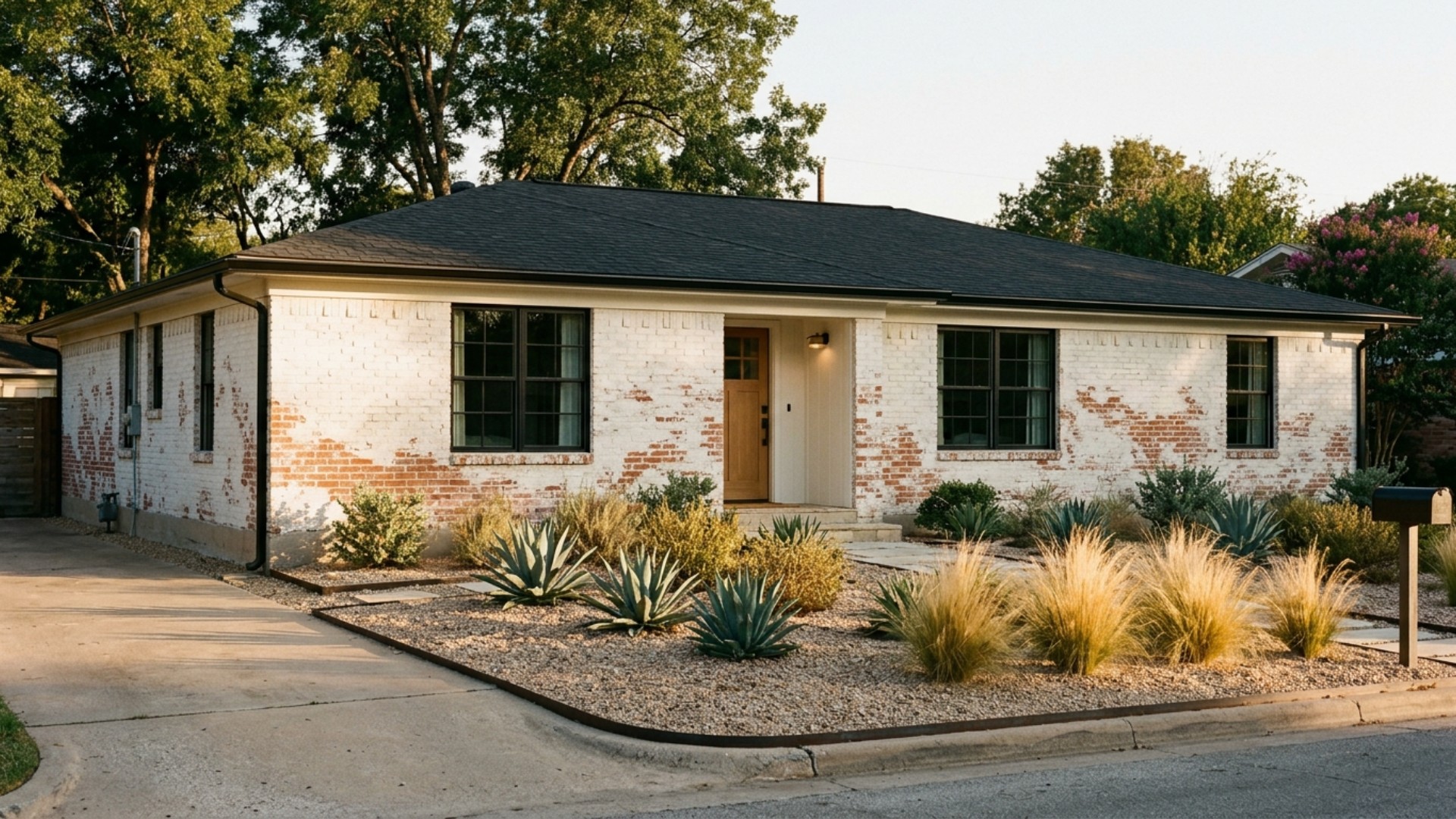
REimagineHome is built for the whole-exterior glow-up, letting you rethink siding, roof, driveway, lawn and beds in one session with conversational editing. New accounts get five free designs, with plans from $19 to $119 a month on credits.
Credits drain quickly when you iterate, and the output is an image rather than a plan. A strong pick for imagining a total transformation, less helpful when you need product quantities and a budget for the installer.
4. Housepaint AI: The Auto-Detect Painter
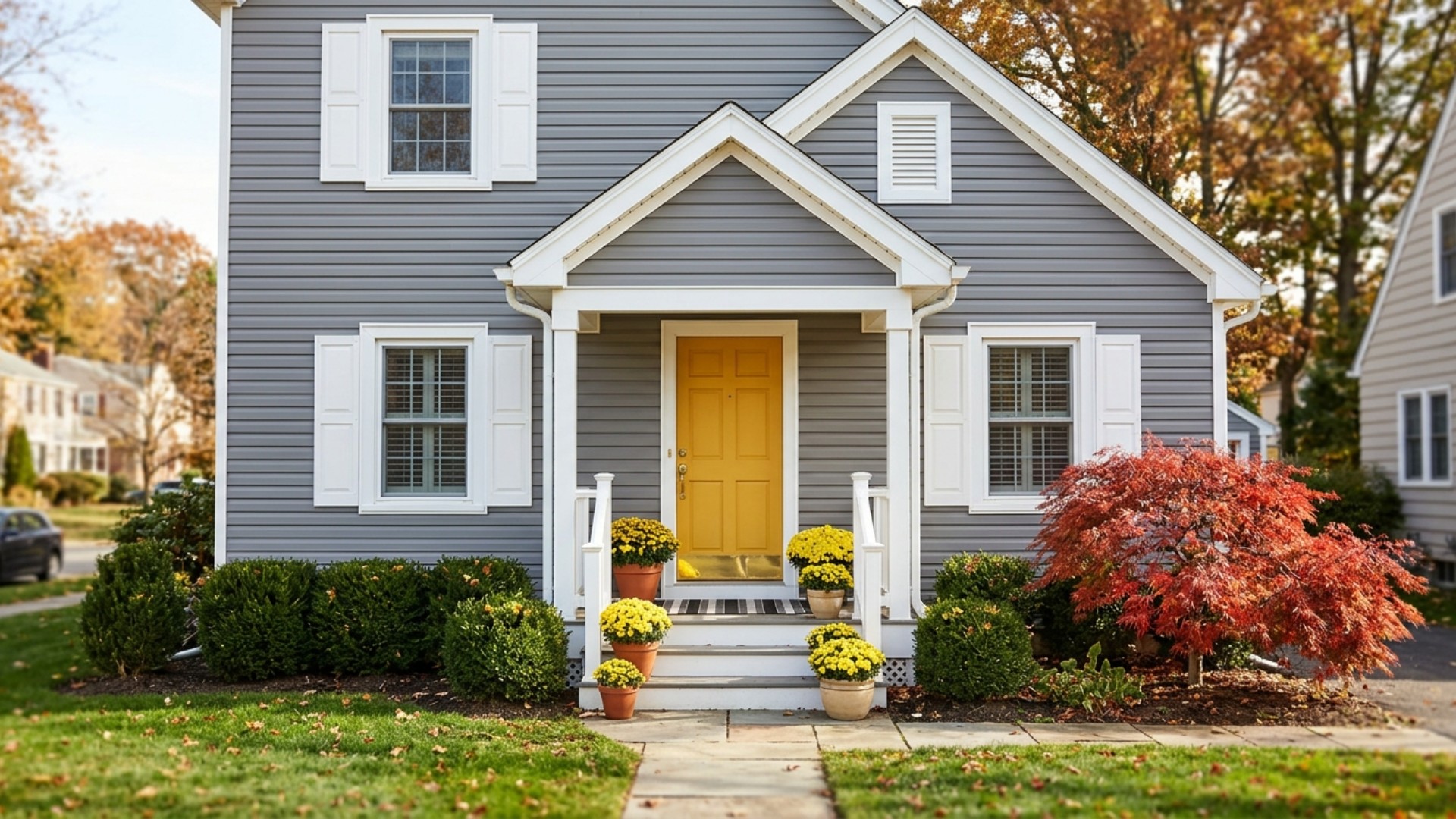
Housepaint AI does the tedious part for you. Upload a photo and it automatically detects siding, trim, doors and shutters, then paints all the siding at once while preserving light and shadow, with more than 17,500 colors across multiple brands on iPhone, iPad and Android.
It applies one color to all siding, works best with clear photos and requires an account. Great for answering "what color," less so for "which siding, how much, and who installs it."
5. Benjamin Moore Personal Color Viewer: The Brand Loyalist's Palette
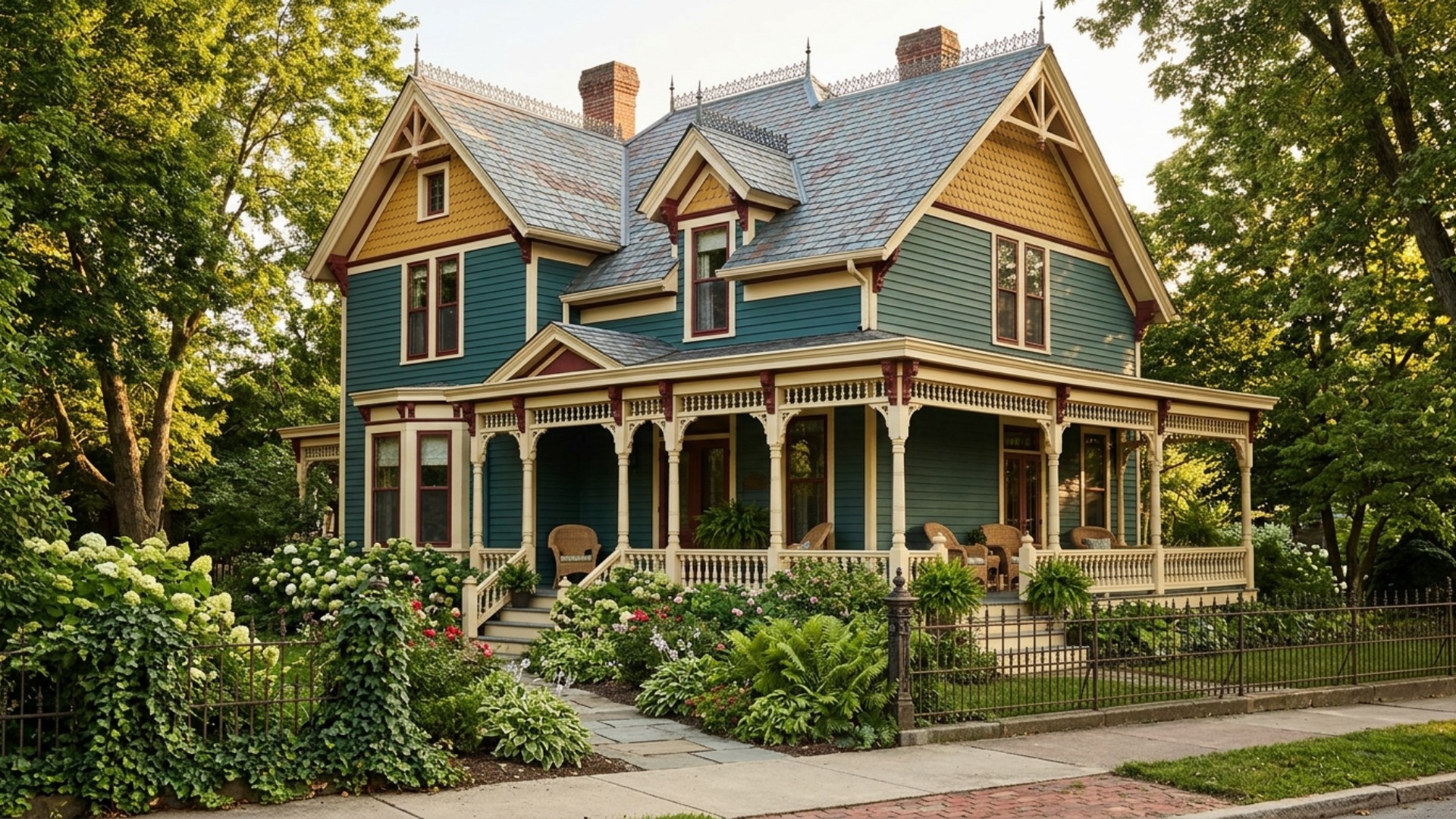
Searching Benjamin Moore exterior paint colors? Their free Personal Color Viewer lets you apply the full Benjamin Moore library to a photo of your house, with Magic Brush, flood fill and polygon tools, and masks you can reuse as you try new colors.
There is no automatic siding detection, so large facades get tedious, colors can bleed onto trim, and there is no light simulation. It is perfect for narrowing a Benjamin Moore shortlist, but you will be masking by hand and planning on your own.
6. Sherwin-Williams ColorSnap: The Swatch Library Giant
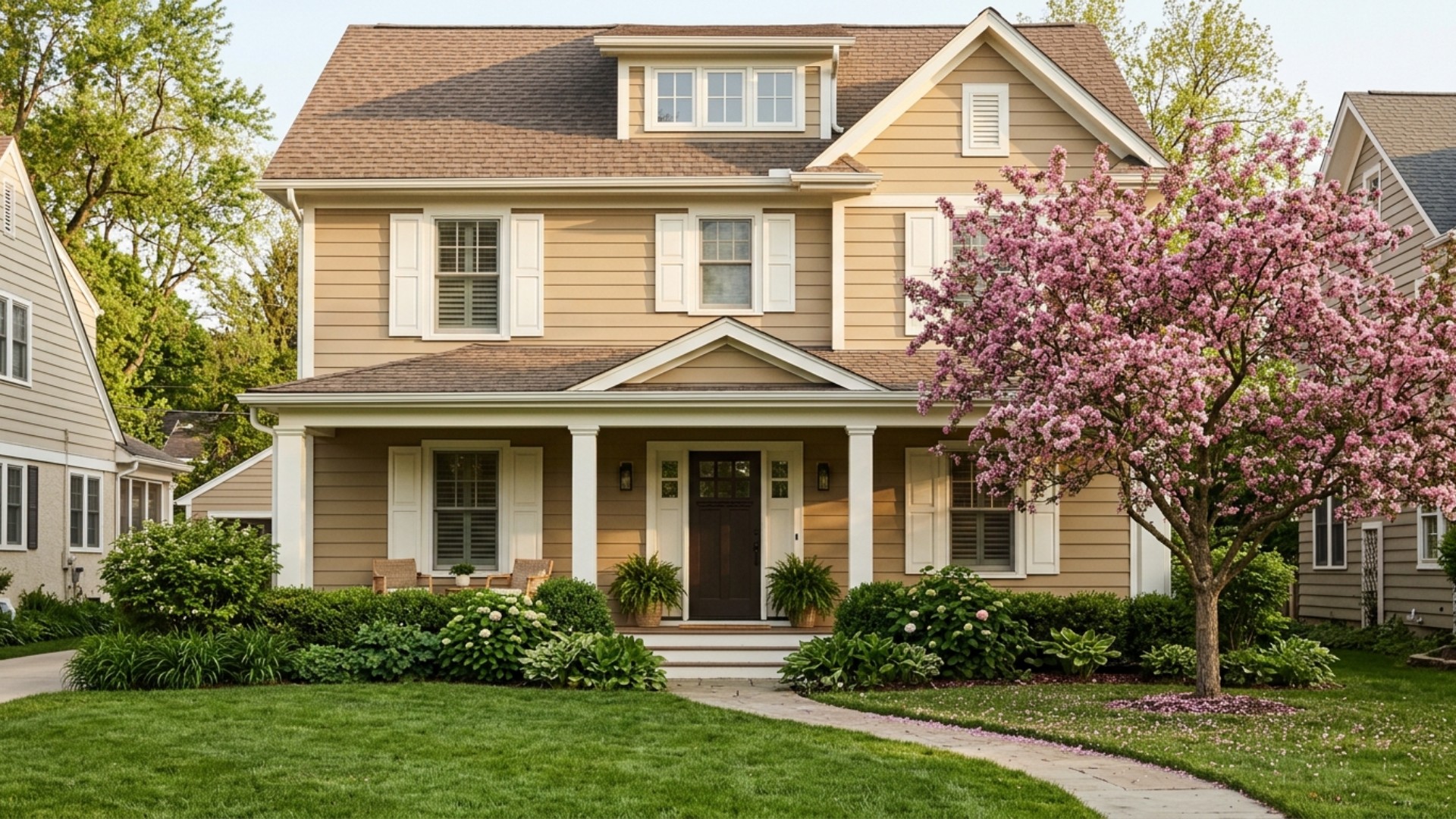
Sherwin-Williams ColorSnap Visualizer brings an enormous color library to your own house photo, with paint bucket and polygon tools and zoom for selecting siding sections. If your painter swears by Sherwin-Williams, it is the natural place to start.
There is no siding auto-detection and no light simulation, so colors can read flatter than they will in real life. It is a superb catalog, not a designer, and it stops at color.
7. GenRoom: The Pay-As-You-Go Repainter
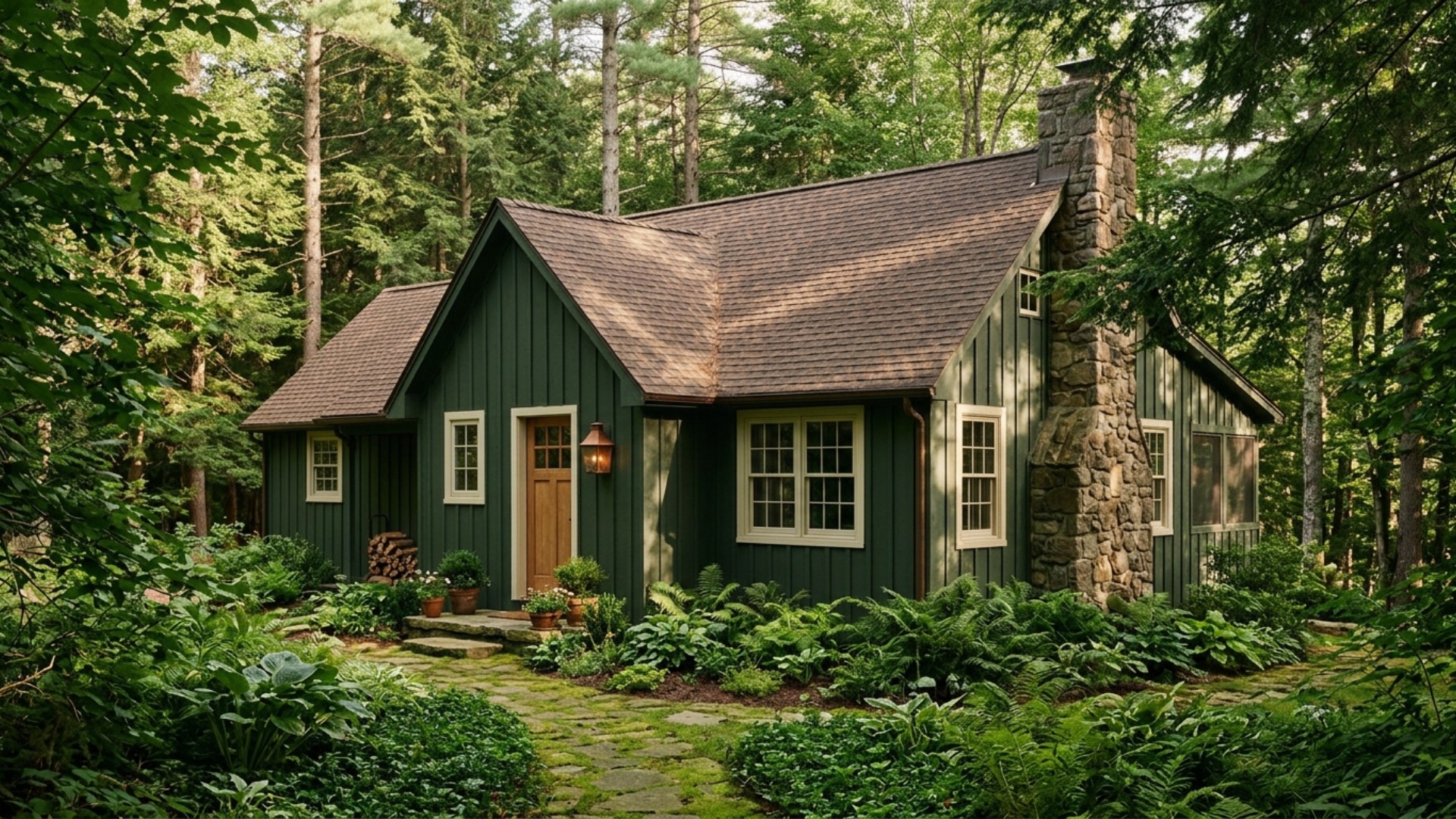
Allergic to subscriptions? GenRoom's exterior paint visualizer lets you describe a color scheme in plain words and repaint your house on a photo, with free credits for about three designs after sign-in and one-time credit packs starting at $9.99.
Results may not keep every detail of your house, and like most tools here, you get a picture rather than a plan. Measurements, materials and the budget are still your homework.
8. Remodel AI: The Style Shapeshifter
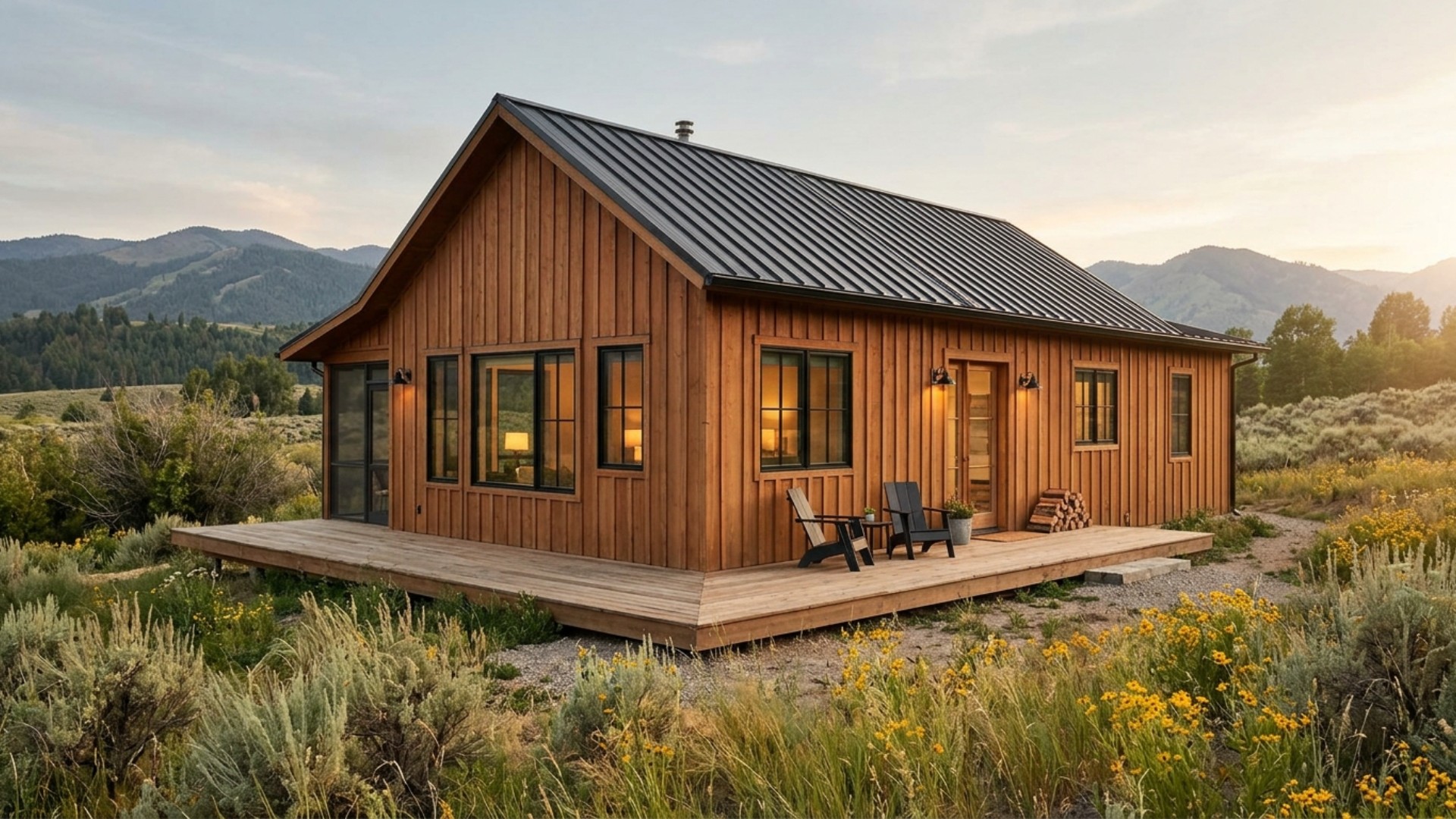
Remodel AI is a quick way to see your house in entirely different architectural moods, with 11 exterior styles and 10 garden and outdoor styles, plus three free designs to start.
It repaints everything at once, which is fun for brainstorming but less useful when you only want to change the shutters. Think sketchbook, not blueprint.
9. Behr ColorSmart: The Free Quick Fix
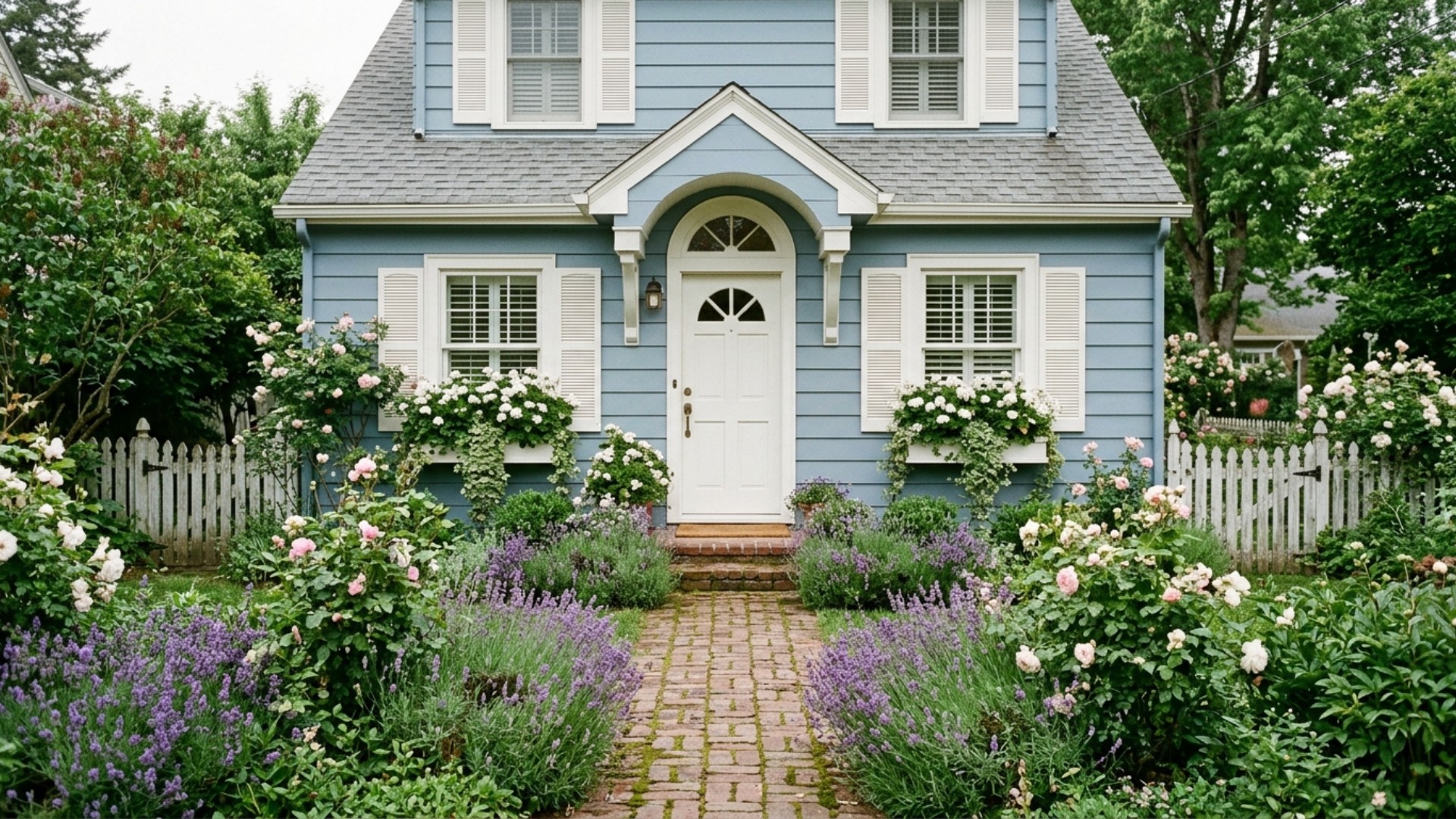
Behr ColorSmart is free, quick to start and backed by the full Behr library, which makes it handy for a five-minute sanity check on a color you spotted at the store.
It is also the most manual tool on this list. Flood fill often means clicking every plank, it can bleed onto trim, lighting is flat, and you can only use Behr colors on the web. Fine for a quick test, not for a whole-house decision.
The Verdict: The Best Siding and Exterior Color Visualizer of 2026
If you just want to test one paint brand, the free visualizers from Benjamin Moore, Sherwin-Williams and Behr will do the job. If your contractor needs precise measurements, Hover is a powerful partner. But most homeowners are stuck between a color they like and a contractor quote they do not understand, with no way to bridge the two.
That is why Framehouse is our pick for the best AI siding and exterior color visualizer of 2026. It is the only one we found that combines a photorealistic redesign of your real house, an AI chat that answers questions about your specific project, and a detailed PDF Playbook with products, quantities, paint colors, budget, steps and pros that you can hand straight to your contractor. Stop taping chips to the siding. Start your house.