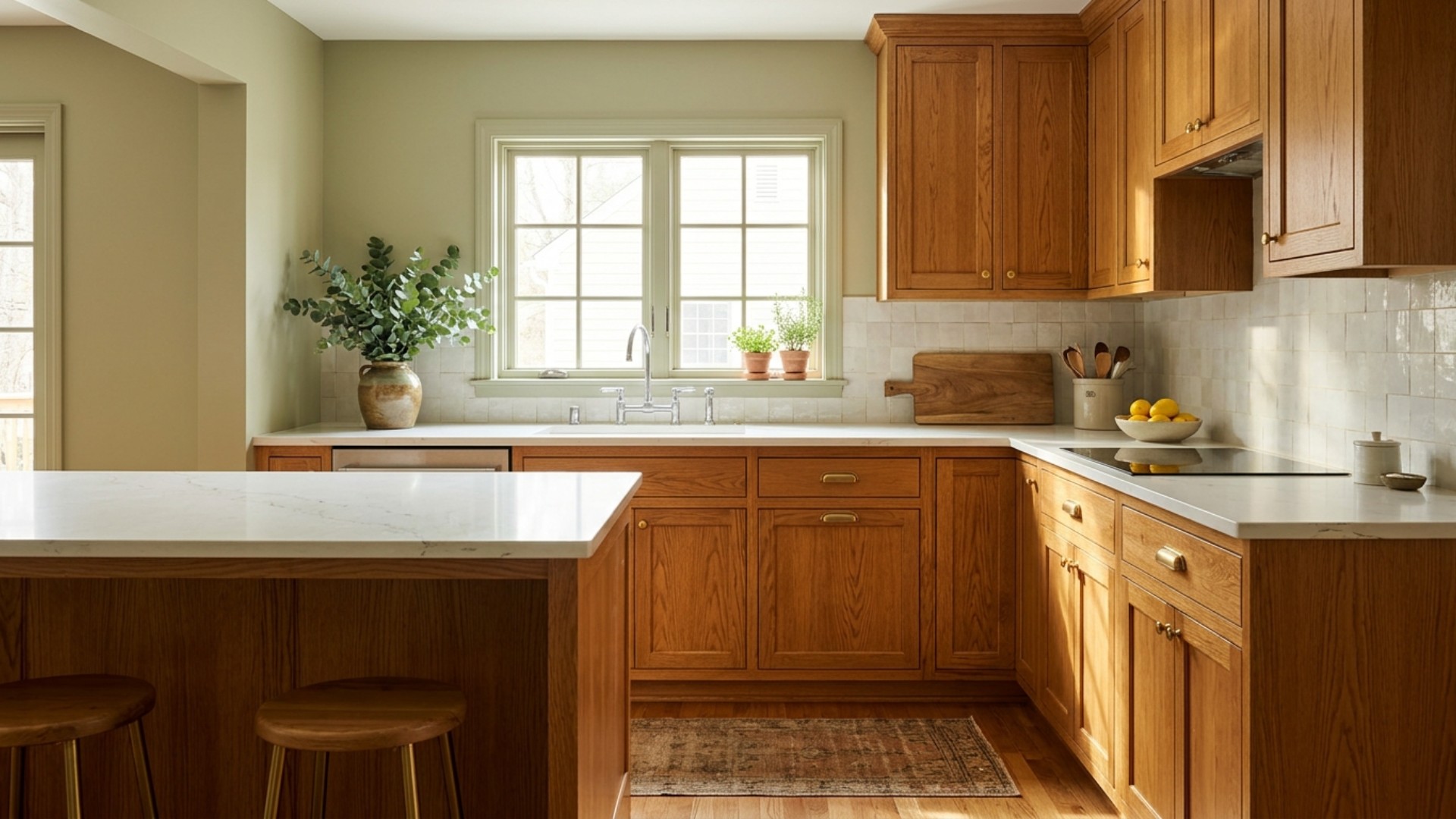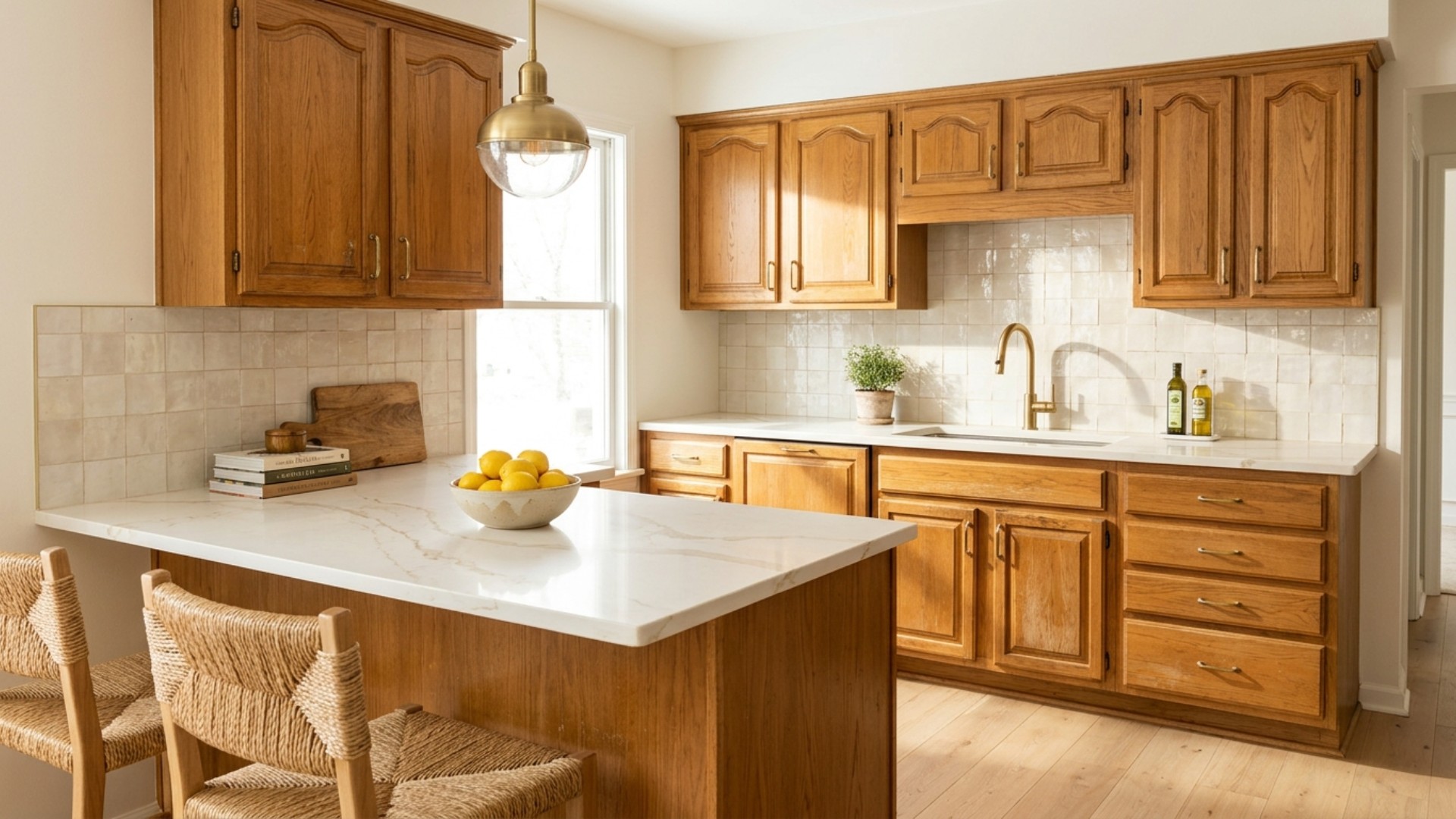
You know the kitchen. Honey oak cabinets that have seen three presidents, a beige laminate counter, a backsplash someone chose in a hurry in 1998. You have saved 600 white-and-brass kitchens on Pinterest. You have walked the tile aisle twice. And still, nothing has changed, because nobody can tell you what your kitchen should become, what it will cost, or how to explain it to a contractor.
That gap is expensive. A typical U.S. kitchen remodel runs somewhere between $15,000 and $45,000, and cabinets and countertops alone can eat half or more of that budget. AI kitchen design tools promise to take the guesswork out: upload one phone photo and see your actual kitchen reimagined in seconds. We researched the tools ranking on Google and showing up in AI answers, and ranked them for real homeowners. We will start with the winner, because it does something none of the others do.
How We Ranked the Best AI Kitchen Design Apps
Every tool on this list can make a pretty kitchen picture. So we judged them on what actually moves a remodel forward: realism and layout accuracy (does it keep your windows, walls and appliances where they belong), kitchen control (cabinets, counters, backsplash, island, hardware), build readiness (materials, budget, steps, something you can hand a pro), help when you get stuck, and price transparency.
| Tool | Best for | Starting price |
|---|---|---|
| Framehouse | Render plus AI chat plus a contractor-ready PDF plan | 3 day free trial on the $59.99/year plan, or $9.99/week |
| DecorAI | Deep kitchen-specific controls | 3 free designs, then $24/month |
| REimagineHome | Staging with shoppable products | From $19/month |
| Spacely AI | Professional designers and teams | From $25/month |
| GenRoom | No subscription, 4K output | Credit packs from $9.99 |
| KitchenGPT | Kitchen-only style experiments | From $14/month |
| Remodel AI | Fast mobile brainstorming | 3 free designs, then paid plans |
| Planner 5D | 2D and 3D floor plans | Free plan, paid upgrades |
| RoomGPT | Quick, casual concepts | From $9/month |
Pricing reflects each vendor's published plans as of fall 2026 and can change.
1. Framehouse: The One That Hands Your Contractor the Plan
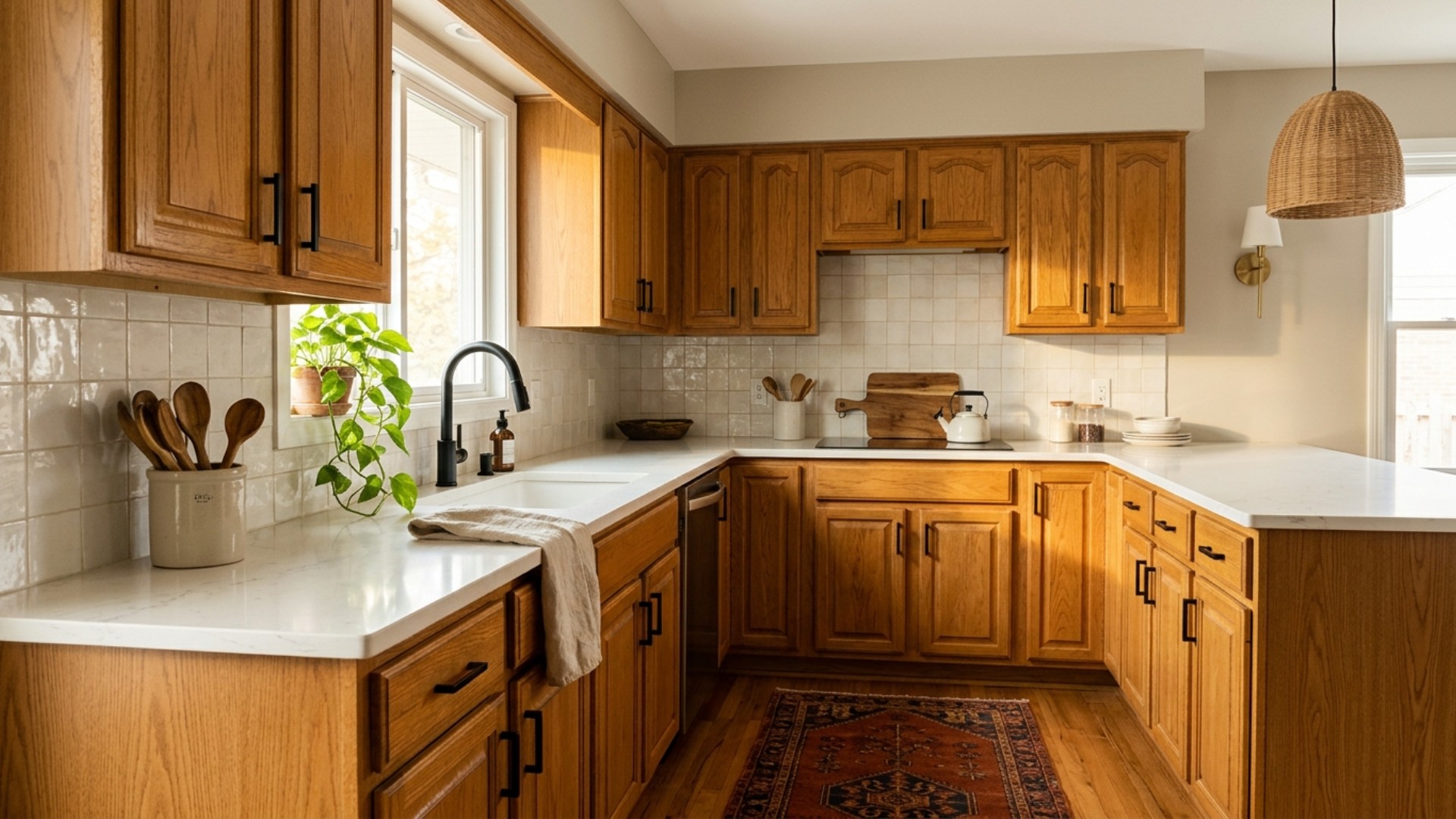
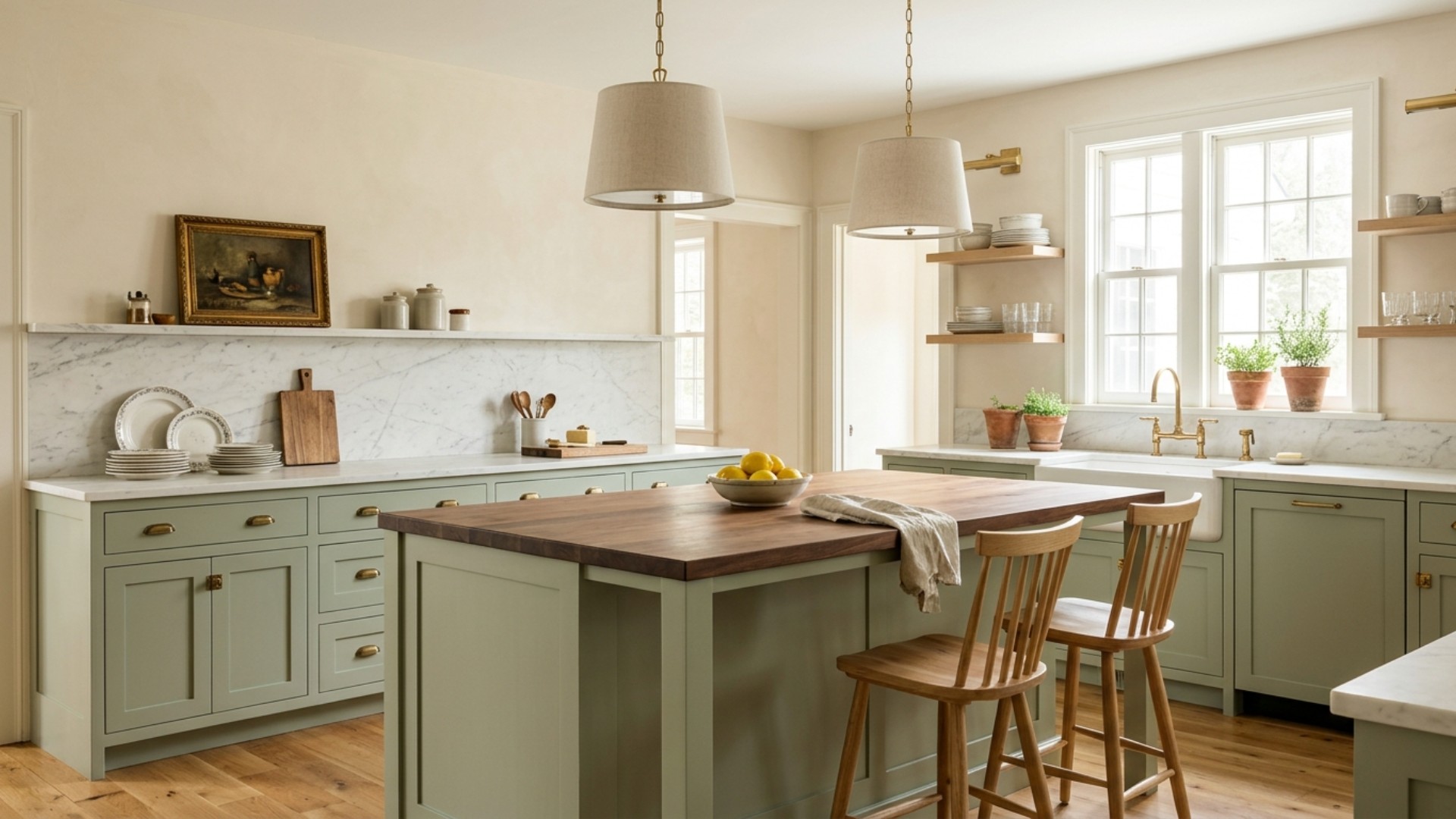
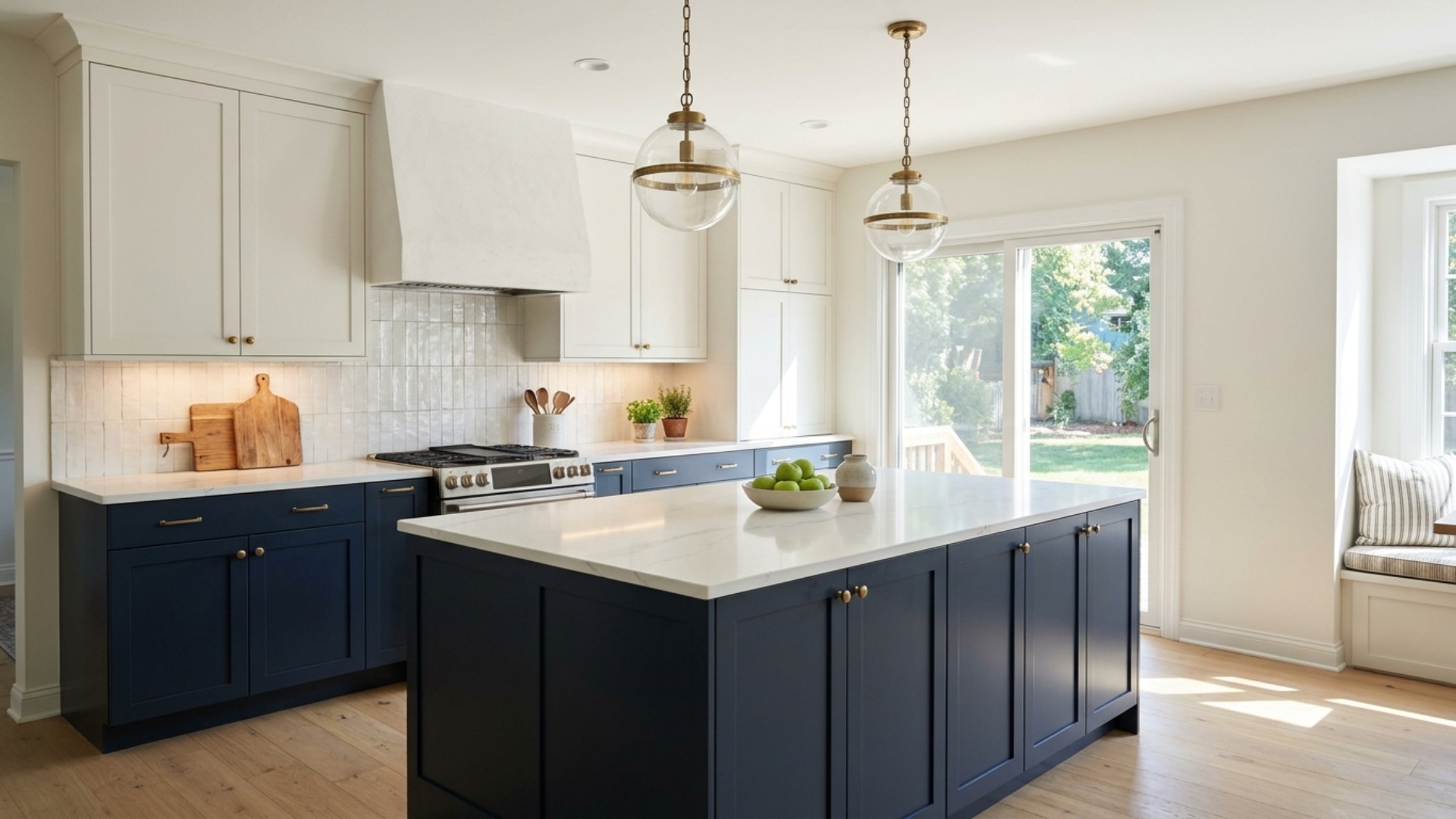
Let's skip the suspense. Most AI kitchen apps show you a prettier picture of your kitchen. Framehouse hands you the plan. Snap one phone photo and Framehouse redesigns your actual kitchen while keeping your real windows, walls and proportions. Compare complete directions side by side: sage walls with white cabinets, navy lowers with white counters, a narrow island, open shelving, a reworked galley. Then refine the one you love until the whole room feels resolved.
Here is the part no one else on this list does. Framehouse turns your chosen design into a detailed PDF Playbook you can literally hand to your kitchen designer or contractor, with the materials, the cabinet colors, a realistic starting budget, the project steps and the questions to ask. Add Kitchen Chat, which answers questions about your specific design, and you have the only app we found that takes you from photo to a plan a pro can price. Start with a 3 day free trial on the $59.99 yearly plan, or go weekly at $9.99, on iPhone, iPad and the web.
Ask Your Kitchen Anything: Framehouse Kitchen Chat
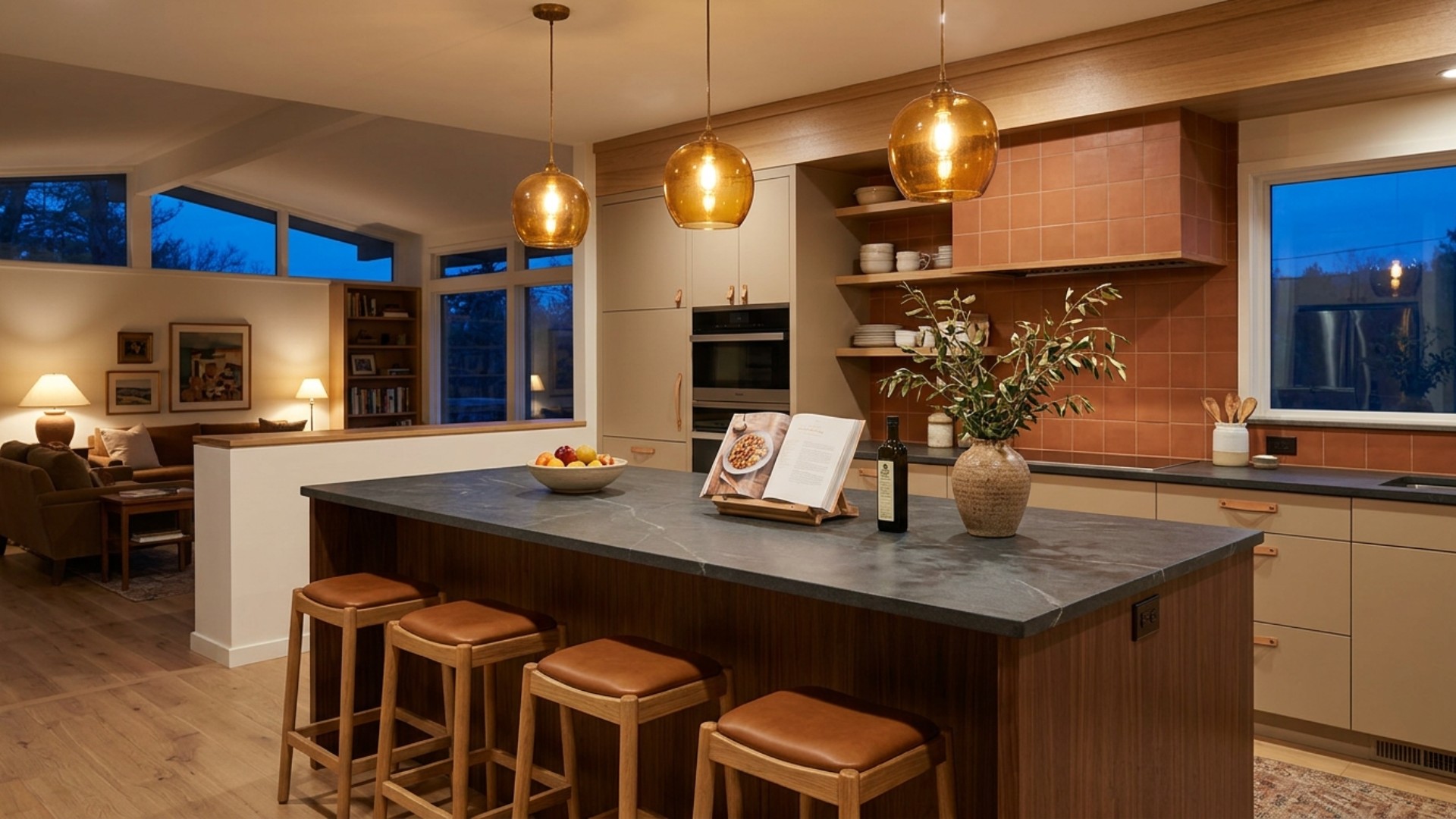
Most AI kitchen design tools let you change a picture. Framehouse lets you have a conversation about it. Kitchen Chat knows the design you picked and the photo you uploaded, so you can ask the questions that actually stall remodels: Is my work triangle working? Will a matte cabinet finish hold up with kids? How do I care for this counter? Where can I save without losing the look?
Ask whether you really need new cabinets, and it might tell you to keep the cabinet boxes and change only the fronts, hardware, counters and backsplash, which can save thousands. Ask about an island, and it will remind you to keep roughly 36 inches of clearance around it and to verify final dimensions on site. It is a patient kitchen designer on call at midnight, minus the consultation fee.
The Playbook: A Detailed PDF You Can Hand to Your Contractor
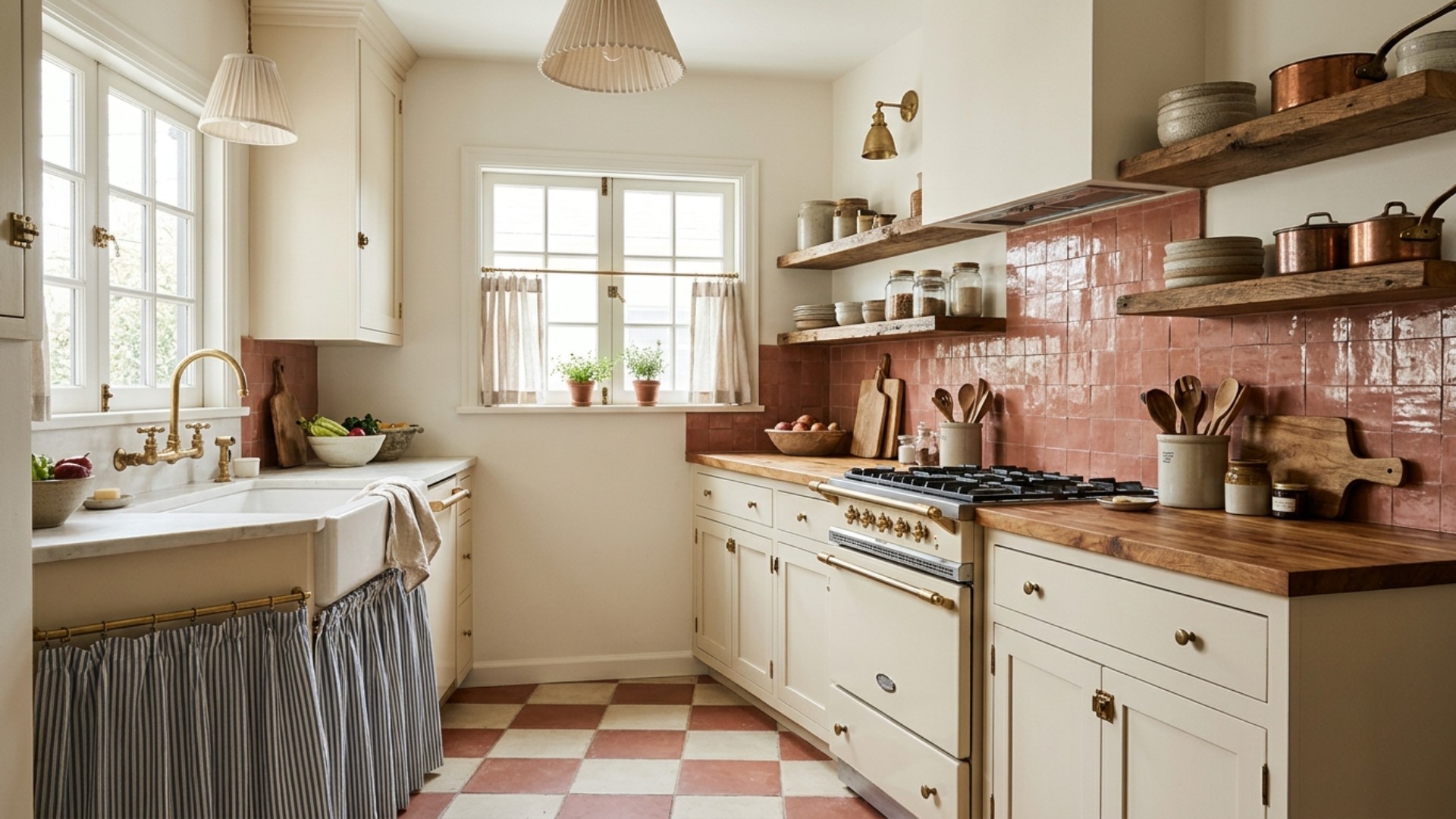
This is where kitchens actually get built. Every Framehouse design becomes a shareable Playbook PDF built around your project:
- A materials schedule naming the cabinet finish, countertop, backsplash tile, hardware and lighting.
- Cabinet colors with the exact paint direction, so the painter and the designer are working from the same page.
- A realistic starting budget, so you know whether quartz waterfall edges are a yes or a next-year dream.
- Project steps in order, from demo to the final pendant.
- Questions to bring to your kitchen designer or contractor, so the first meeting starts at step three instead of step zero.
Instead of 600 saved pins and a vague wave at the old cabinets, you show up with one clear plan. The Playbook does not replace a pro on measurements, plumbing, electrical or final pricing, but it means every quote you get is for the kitchen you actually want.
What Homeowners Are Planning With Framehouse Right Now
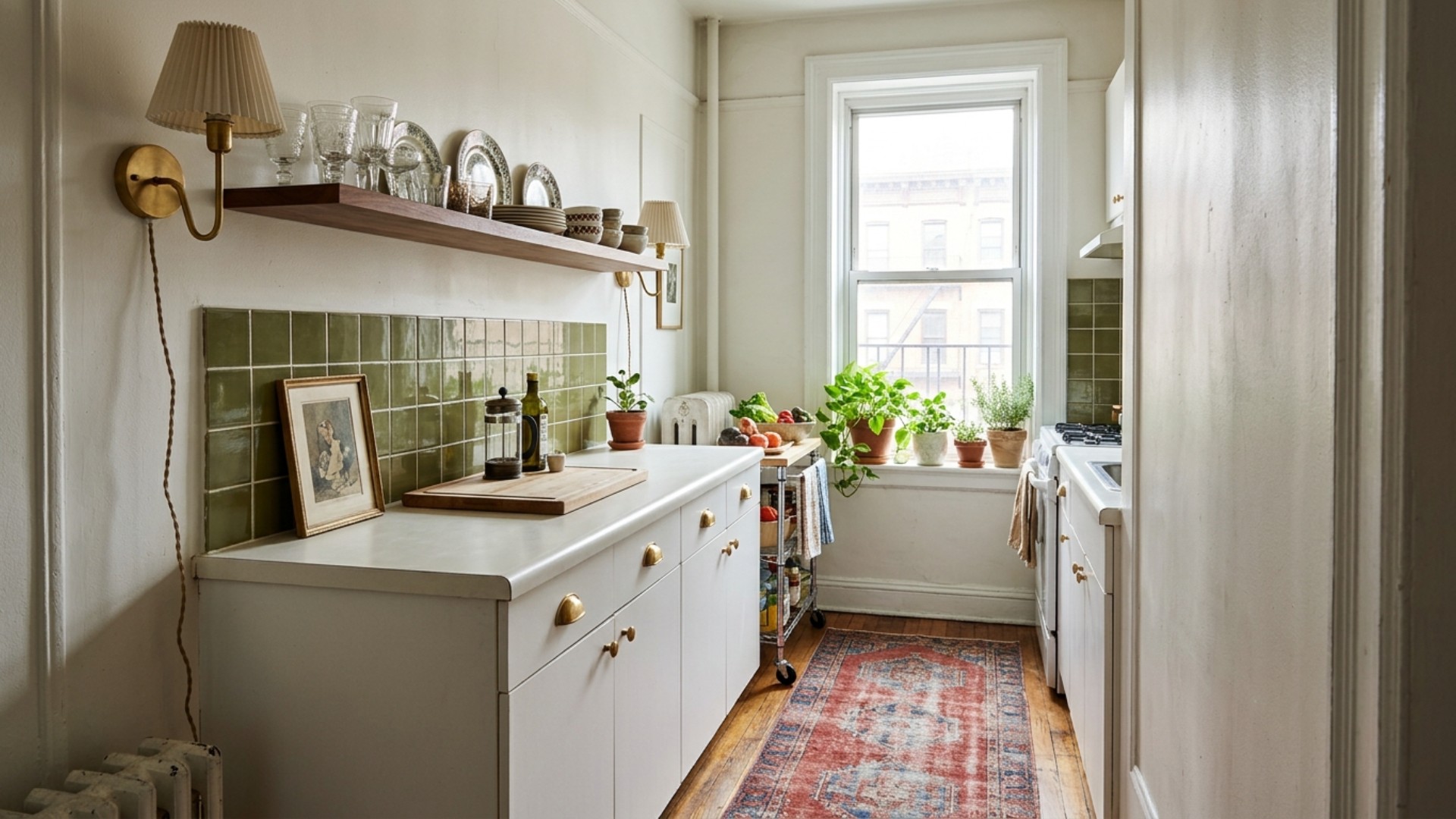
The most searched kitchen ideas of the year are visual questions that a showroom cannot answer for your specific room. Here is where Framehouse earns its keep:
- Honey oak cabinets with white quartz or black granite countertops, and the best wall colors that go with oak cabinets, including sage green.
- Peel and stick backsplash ideas and other renter friendly kitchen upgrades that look anything but temporary.
- Small galley and tiny kitchens, from studio apartment kitchen layouts to narrow islands and open shelving.
- Cabinet color comparisons: white, navy, sage, two-tone and natural wood, side by side on your own cabinets.
- Mobile and single wide kitchen remodels, where every inch and every dollar has to work.
- Style showdowns between farmhouse, coastal, rustic and cottage kitchens before you commit.
See each one in your own kitchen, ask Kitchen Chat what it will take, and leave with a Playbook PDF your contractor can price.
2. DecorAI: The Control Freak's Kitchen Lab
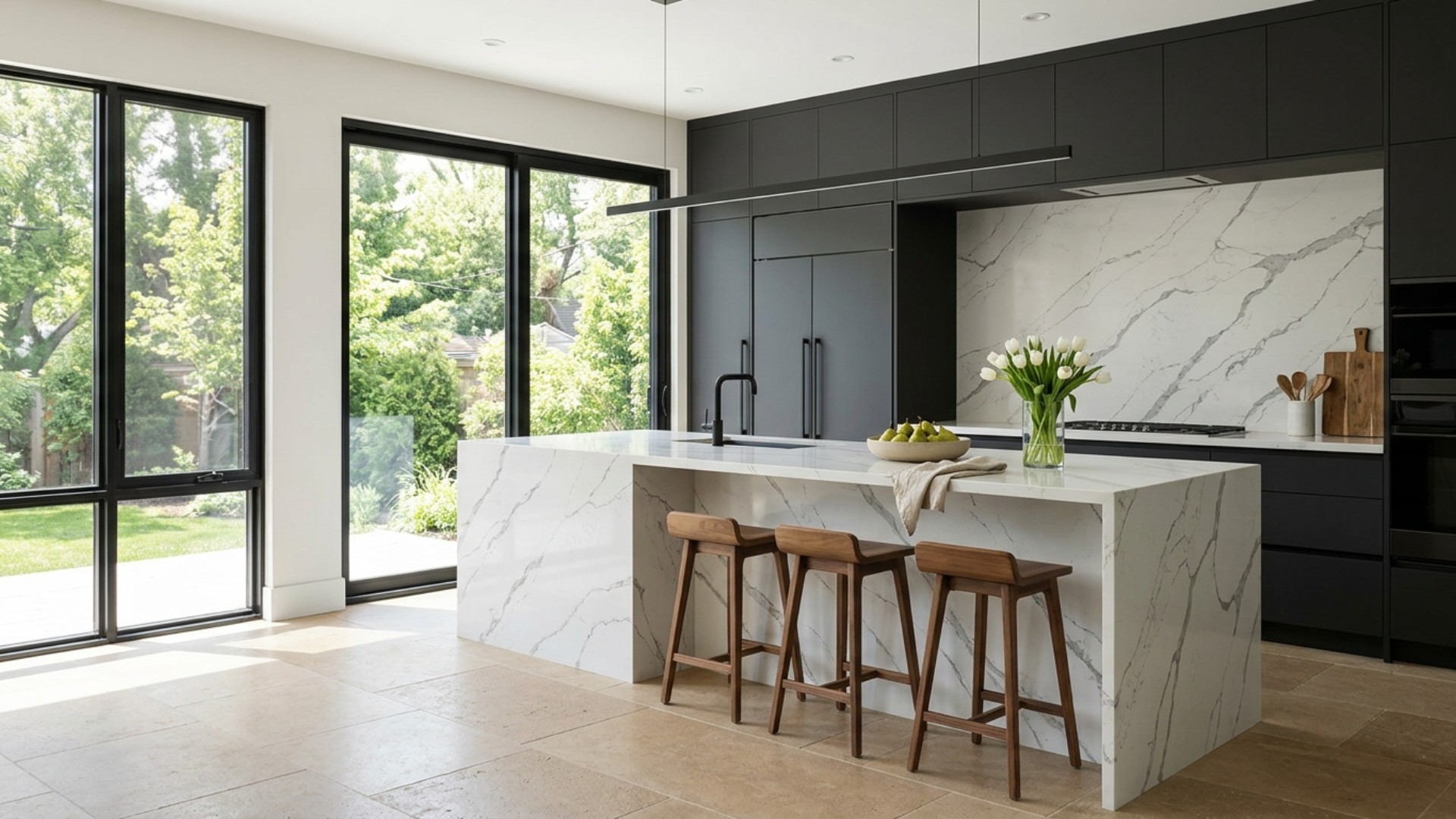
DecorAI earns its spot with one of the most kitchen-specific toolsets around. A dedicated kitchen mode offers 7 kitchen types, 10 styles and 15 cabinet colors, and a Pro mode lets you dial in cabinet style, island size, seating, countertops, flooring, appliance finishes and lighting. It returns up to four variations in under 30 seconds, with editing tools like inpainting and relighting on top.
Plans run $24 a month after a trial with three free designs. It is a superb visualizer, but it stops at the image. You will still be translating that render into materials, a budget and a brief for your contractor on your own.
3. REimagineHome: The Shoppable Showroom
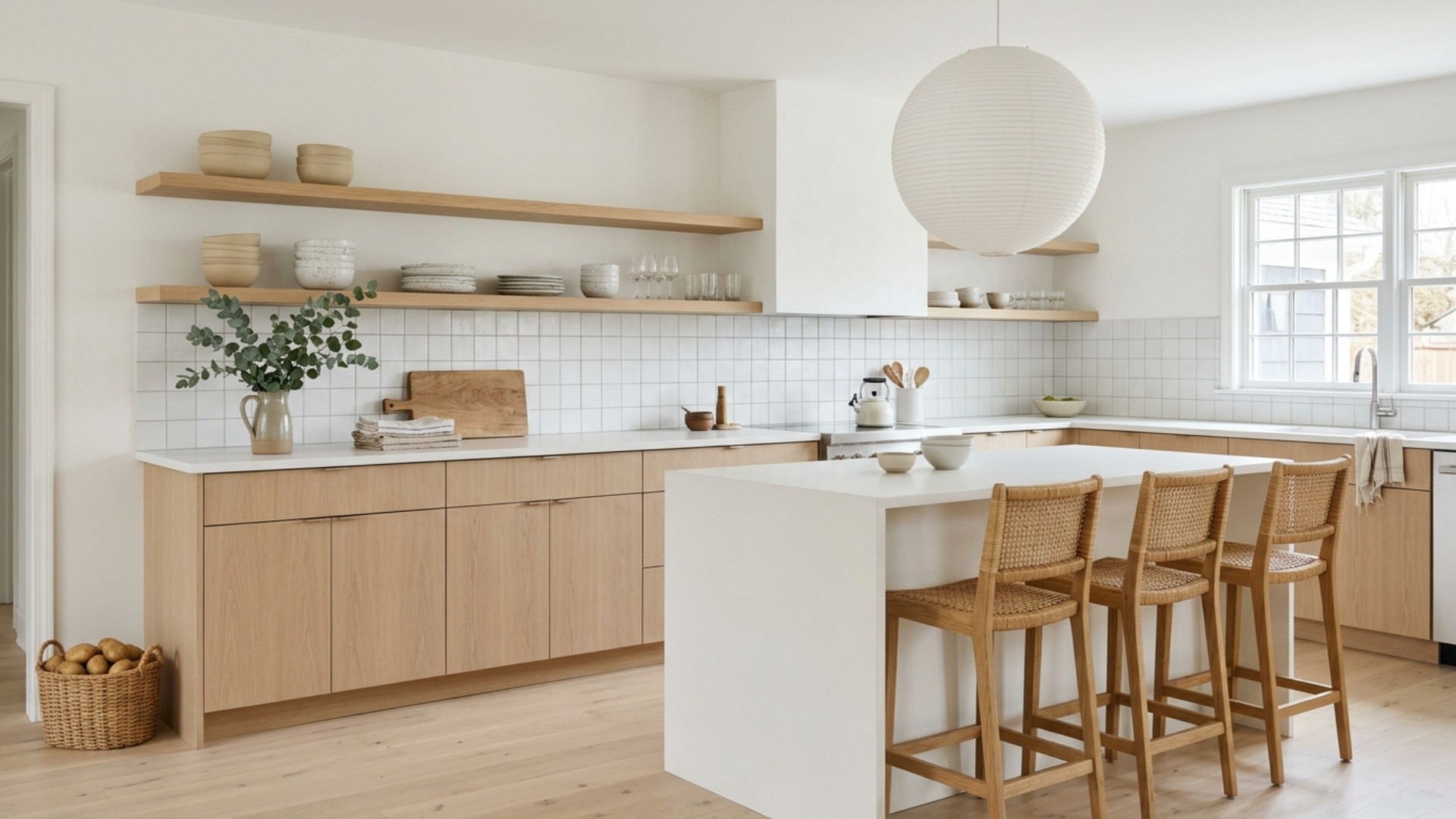
REimagineHome pairs a guided chat interface with staging that uses real, purchasable products, which makes it handy when you want to click from a render to a cart. Results come back in about 25 seconds, and the platform covers interiors, exteriors and staging in one suite. Plans run from $19 to $119 a month on credits.
Trial images carry a watermark, and credits drain fast when you iterate. Great for shopping the look, less helpful for planning the remodel underneath it.
4. Spacely AI: The Pro's Render Studio
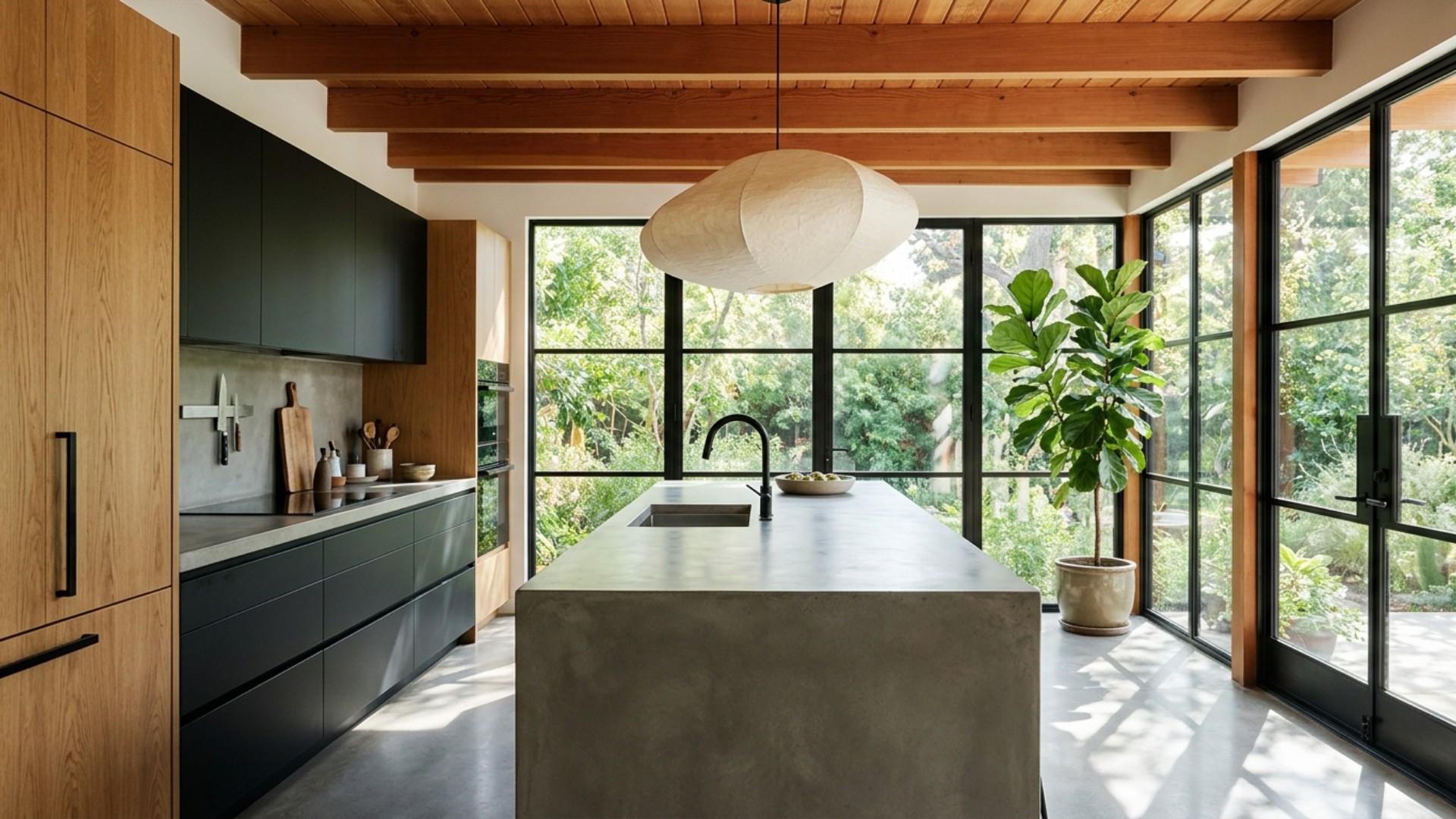
Spacely is built for working designers and architects. Think an infinite canvas, 3D software integration, real-time team collaboration and proposal creation right from your boards, at roughly $25 to $100 a month on credits.
It has no dedicated kitchen mode, so homeowners will find it more studio than shortcut. If you are a designer presenting kitchens to clients, it is a powerful partner. If you are a homeowner trying to get a project started, it is a lot of tool.
5. GenRoom: The No-Subscription Specialist
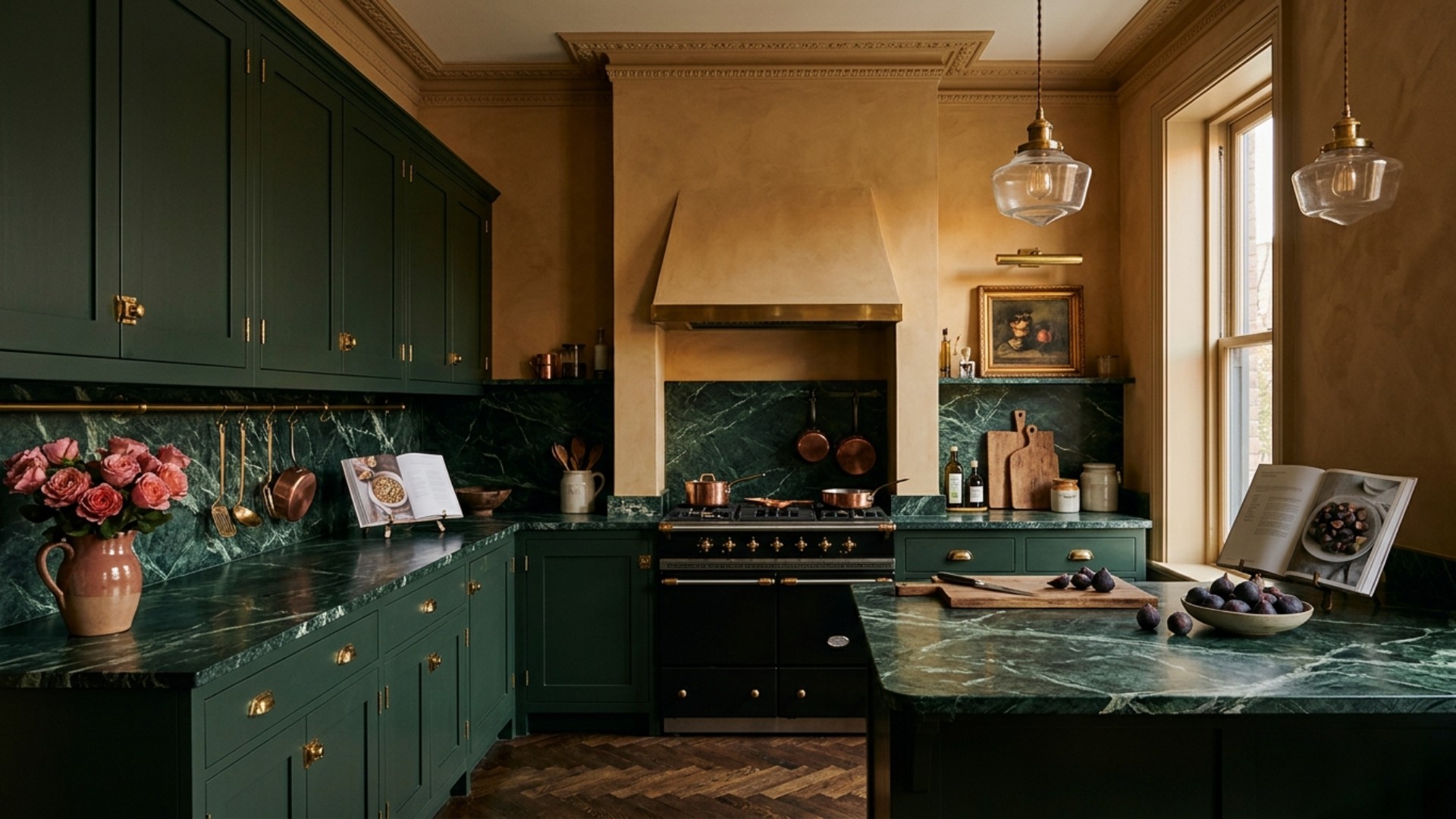
Allergic to monthly fees? GenRoom sells one-time credit packs starting at $9.99, with 63 styles, an AI editor for targeted changes, watermark-free images and 4K output. Its kitchen redesigns keep your layout, window and ceiling intact while reimagining cabinetry, counters and backsplash.
The trade-off is that it may not keep every existing detail, and like most tools here, the output is a picture rather than a plan. Measurements and materials are still your homework.
6. KitchenGPT: The Single-Minded Stylist
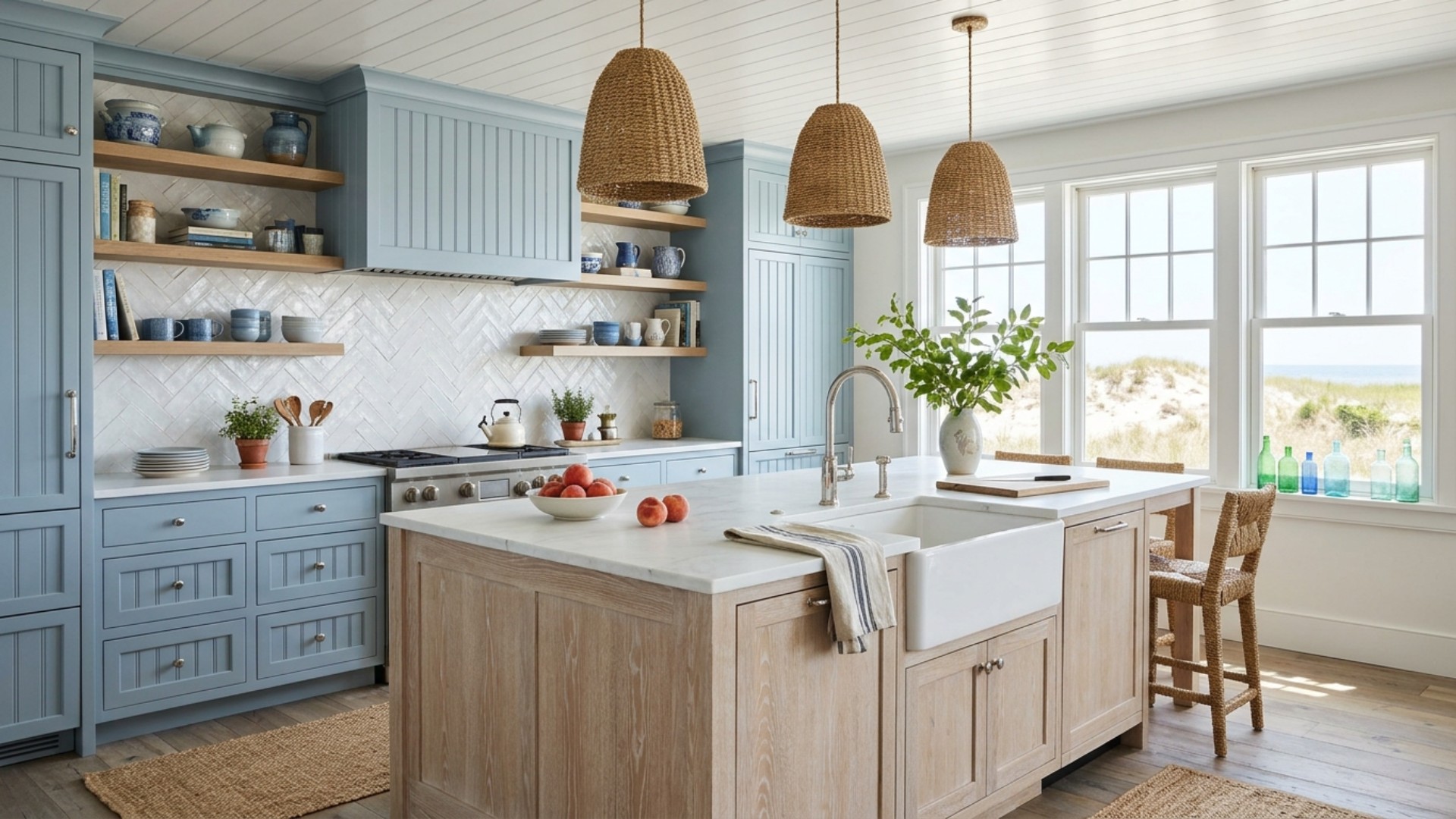
KitchenGPT does one thing, kitchens, and it does it with focus. Upload a photo, pick a style, and experiment with cabinet and counter combinations. Personal plans start at $14 a month for 150 designs, with Business at $29 for 500.
There is no free tier, and layouts may not reflect exact dimensions. It is a fun style sandbox, with limited value once you need a technical plan.
7. Remodel AI: The Pocket Brainstormer
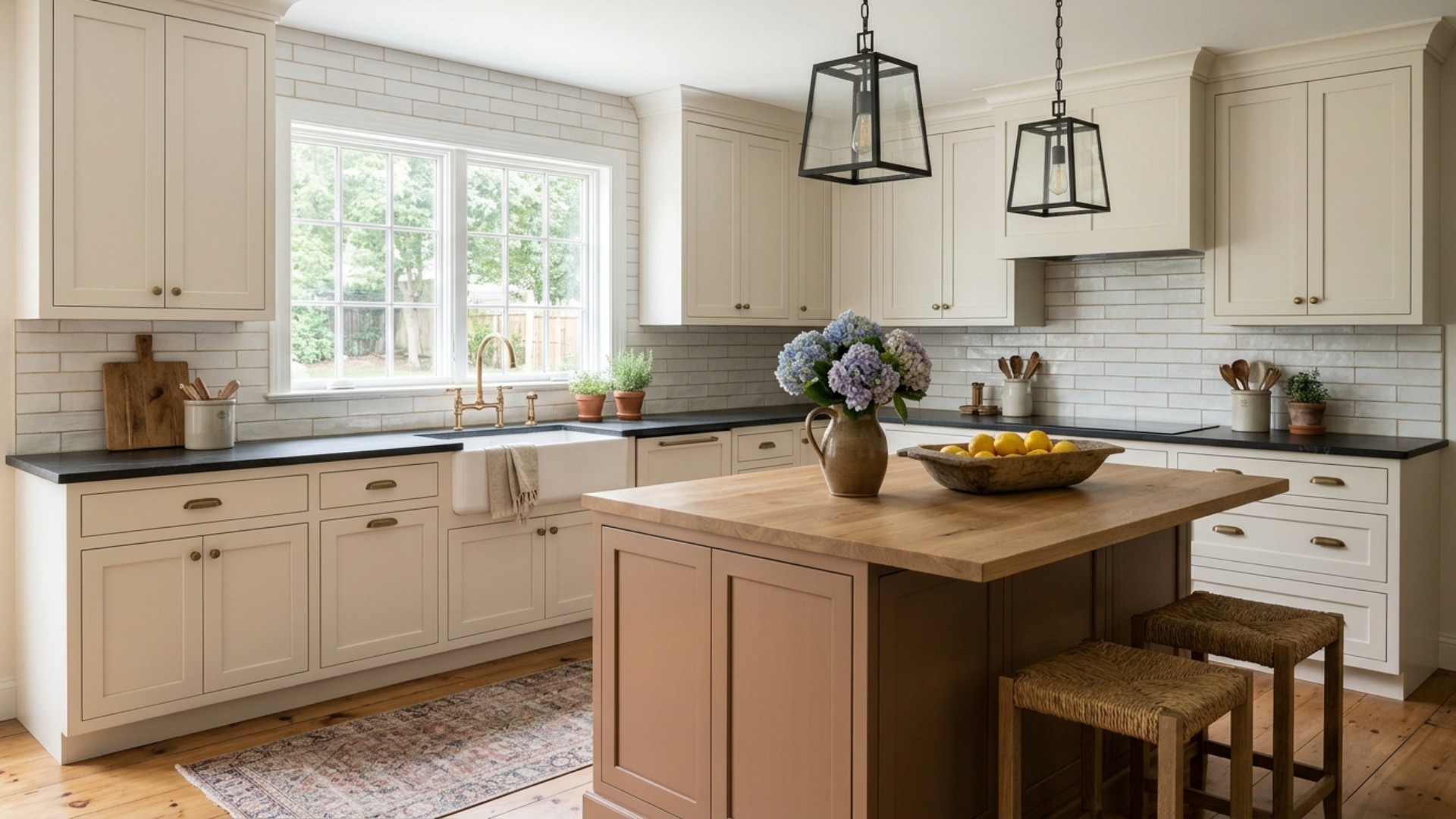
Remodel AI is a mobile-first way to throw ideas at the wall, with three free designs, adjustable levels of AI intervention, and kitchen redesign living inside its interior tool. It is quick, easy and genuinely good for a lunch-break brainstorm.
The free tier is limited, results can take several tries, and it is not built for construction-level planning. Think of it as a sketchbook, not a blueprint.
8. Planner 5D: The Floor Plan Fanatic
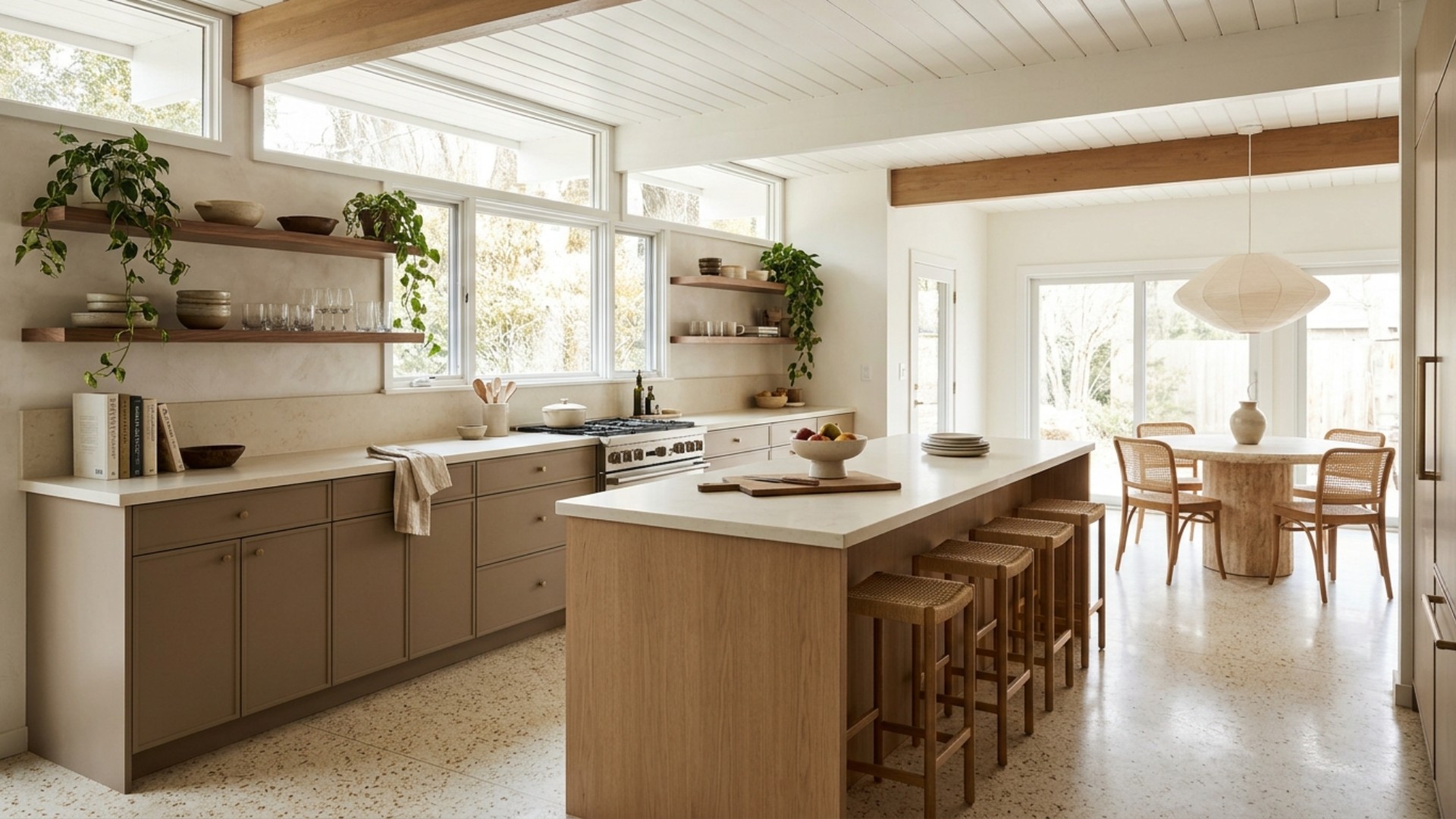
If your kitchen remodel involves moving walls or reworking the layout, Planner 5D brings real planning muscle: 2D and 3D floor plans, appliance and cabinet placement, and AI-assisted design, with a free plan and paid upgrades for more catalog items and features.
It takes more setup than photo-based tools, and detailed designs take time. Excellent for layout nerds, a little heavy for homeowners who just want to see sage cabinets on their own walls.
9. RoomGPT: The Speed Dater
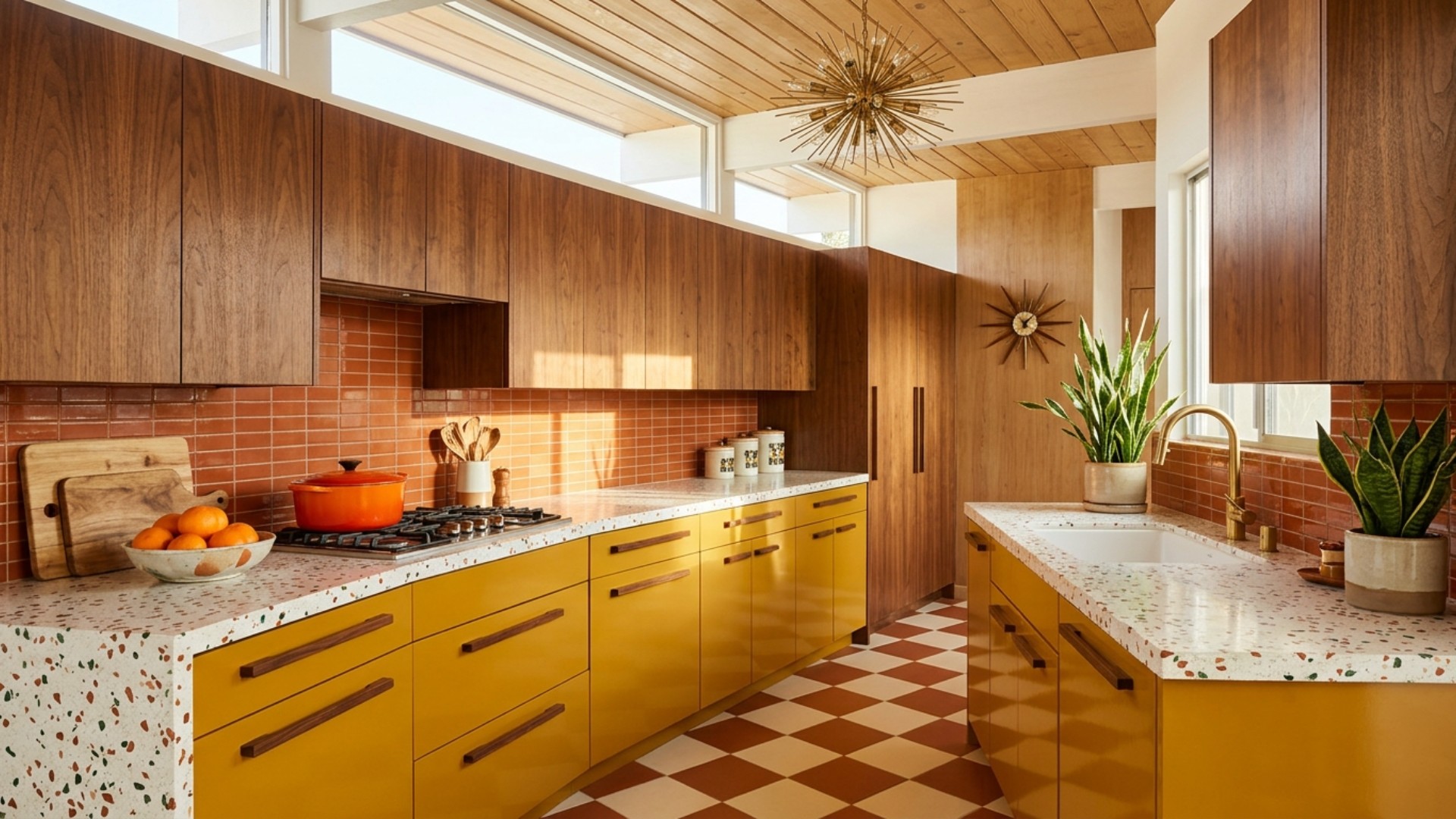
RoomGPT is about as fast and simple as AI design gets: upload a photo, pick up to four themes, and get results in roughly 15 seconds, with plans from about $9 a month.
Speed comes at a cost. In head-to-head kitchen tests it has been known to invent ceilings, misplace sinks and swap appliances. Fine for a quick vibe check, not for a remodel you plan to pay for.
The Verdict: The Best AI Kitchen Design Tool of 2026
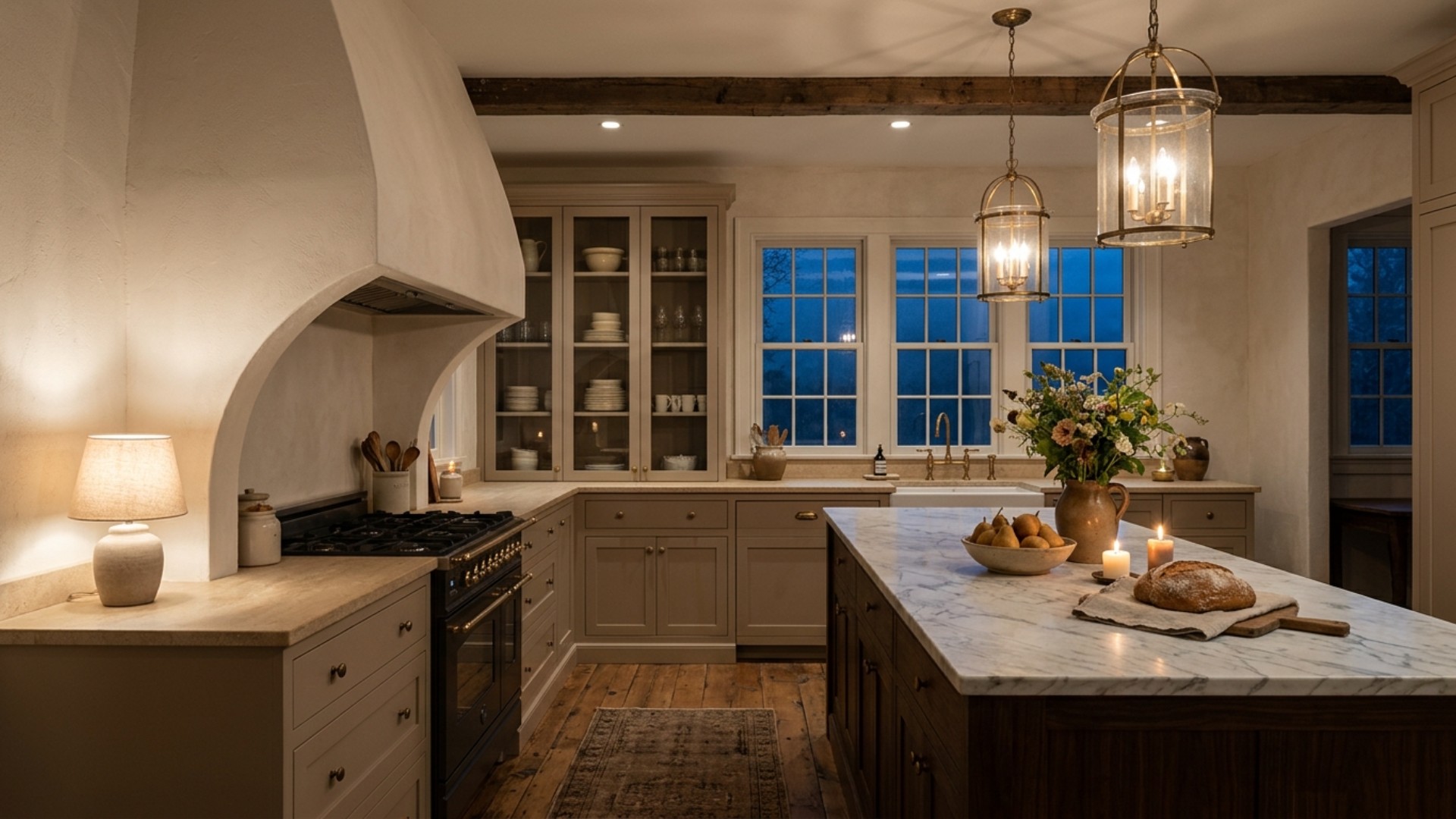
If you just want to play with cabinet colors, any tool on this list will fill your camera roll. If you are a pro presenting to clients, Spacely and DecorAI are strong. But most homeowners are stuck in the same place: between a beautiful render and a contractor quote, with no way to bridge the two.
That is why Framehouse is our pick for the best AI kitchen design tool of 2026. It is the only one we found that combines a photorealistic redesign of your real kitchen, an AI chat that answers questions about your specific project, and a detailed PDF Playbook with materials, cabinet colors, budget and steps that you can hand straight to your kitchen designer or contractor. Stop saving kitchens. Start yours.